Income vs expenses
Income vs expenses shows how the money coming in compares with the money going out this month, so you can see at a glance whether you're spending more than you earn.
To open it, go to Insights and tap Income vs expenses under Financial performance. You can also tap the Quick cash flow chart in What's the big picture of my budget?. The report covers the month selected in your budget.
What you'll see
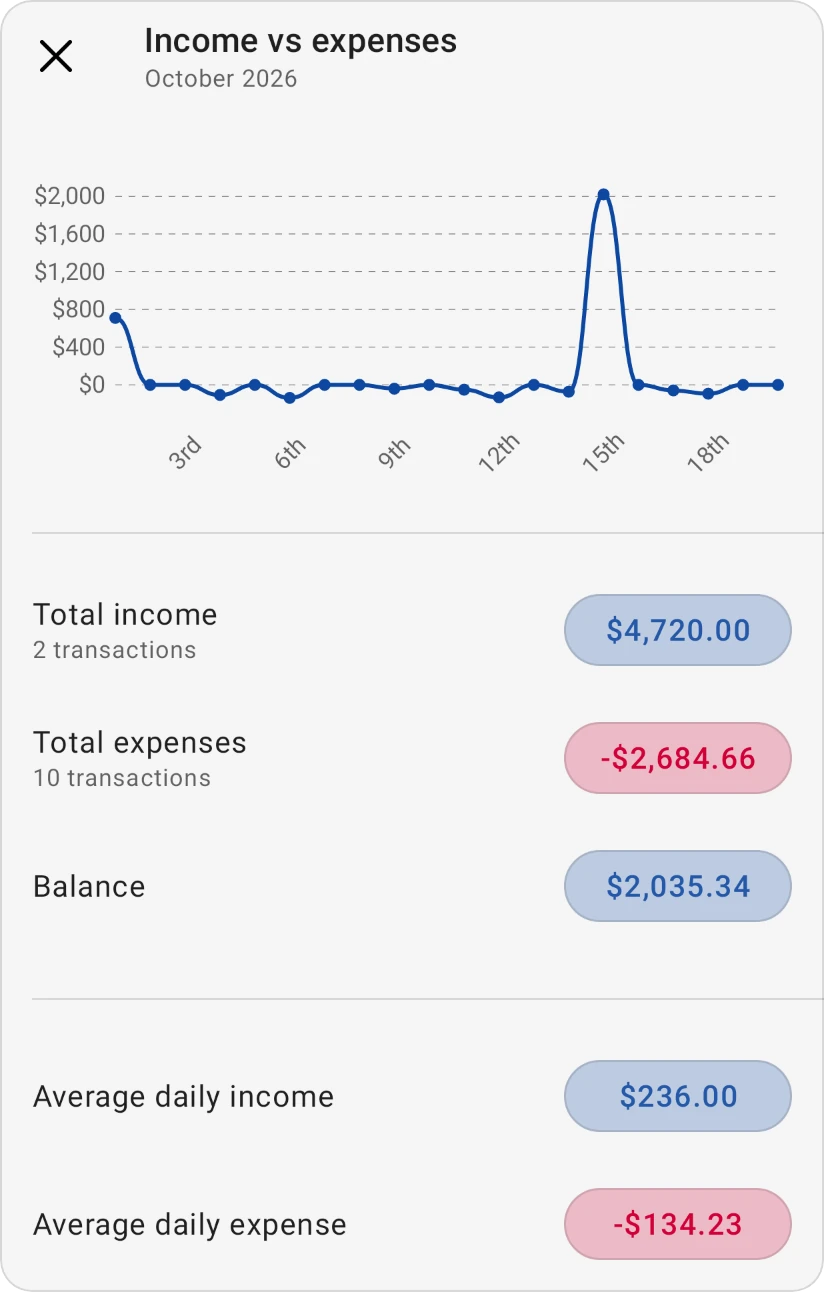
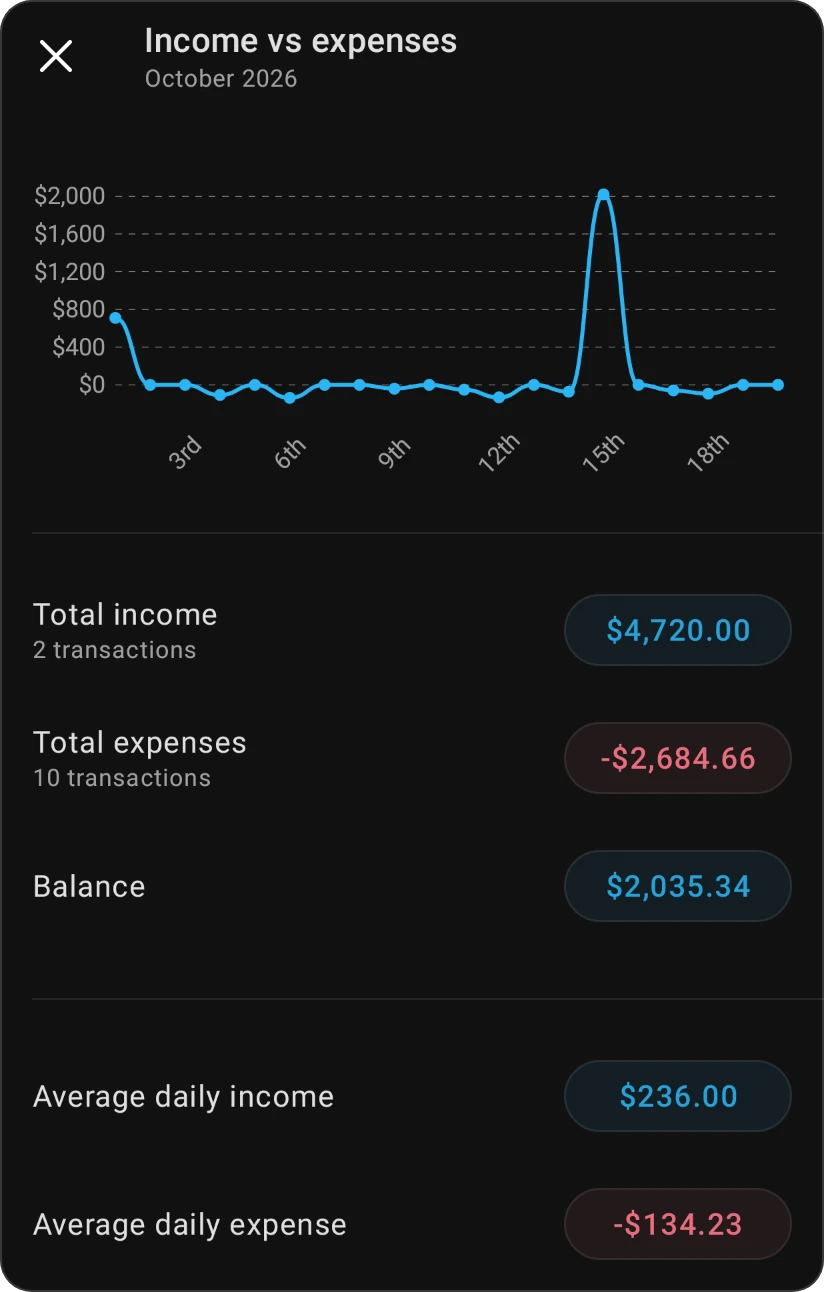
- Daily chart: your income and expenses for each day of the month. Tap a day to see its transactions.
- Total income and Total expenses: how much came in and went out, with the number of transactions. Tap either to see the transactions behind it.
- Balance: income minus expenses. Positive means you earned more than you spent; negative means you spent more. Tap it to see all the month's income and expense transactions.
- Average daily income and Average daily expense: what you earned and spent on an average day this month.
- Historical cash flow: income and expenses for each of the last six months, to spot trends and seasonal patterns.
Tip
If the balance is negative for several months in a row, check Am I living below my means? and Where does my money go? to find where to cut back.
Free and Pro
The daily chart, totals and balance are free. Average daily income, Average daily expense and Historical cash flow are part of Pro; on the Free plan they're locked or show sample data.
Was this page helpful?