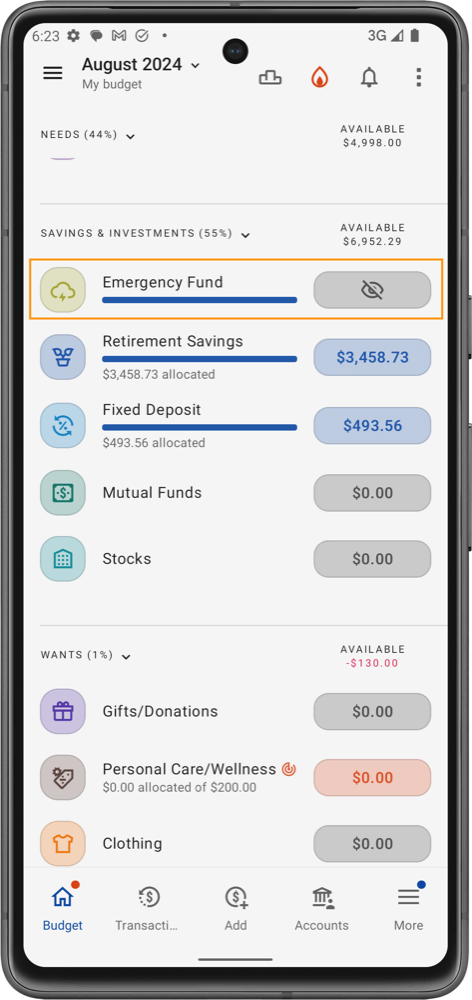
Hide category balance
Hiding a category's balance takes the amount out of sight. If seeing money in a category tempts you to spend it, hide it and keep your attention on what you've planned instead of what's left.
Example: you've saved $500 for a weekend away next month, but every time you see that $500 you're tempted to dip into it. Hide the category's balance and it stops catching your eye, which makes it easier to leave the money where it belongs.
Hide a balance
- On the Budget tab, tap the category.
- Tap the gear icon at the top of the category sheet to open Category details.
- Tap the eye icon (Hide) in the top bar. It changes to a crossed-out eye.
To show the balance again, tap the icon once more.
What changes
- Wherever the category's available amount would appear (the Budget tab, the category sheet and Category details), you see a crossed-out eye instead of the number.
- The line under the category name (allocated or spent amount) is hidden on the Budget tab.
- The category itself keeps working as normal: you can still allocate to it and record transactions in it. Hiding only affects what you see.