Streaks
A streak counts the consecutive days you've budgeted in Beyond Budget. The longer it gets, the stronger the habit, and the more you're rewarded for keeping it going.
Open your streak
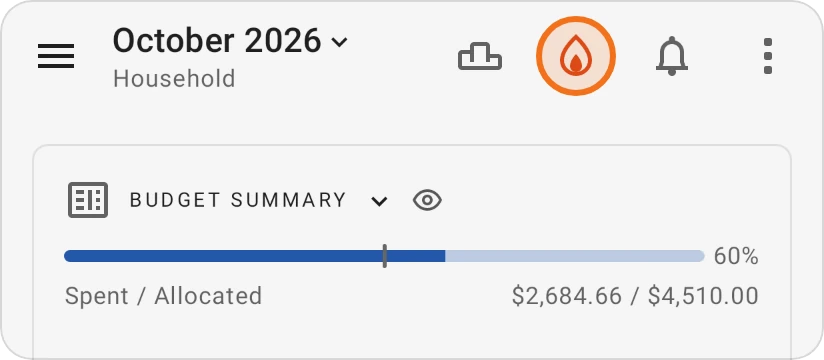
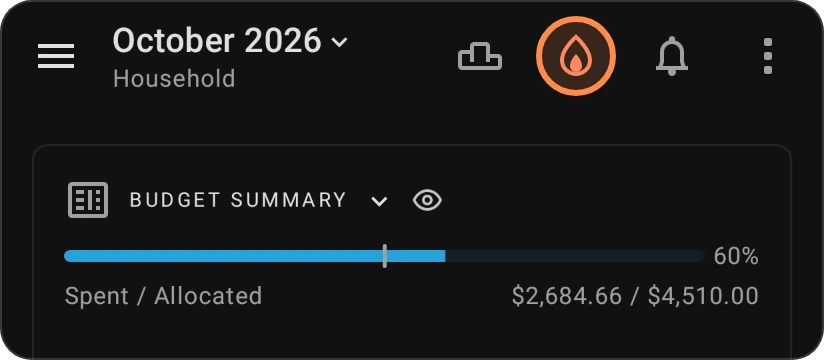
Tap the flame button at the top of the Budget screen. It shows your current streak and how much frost you have.
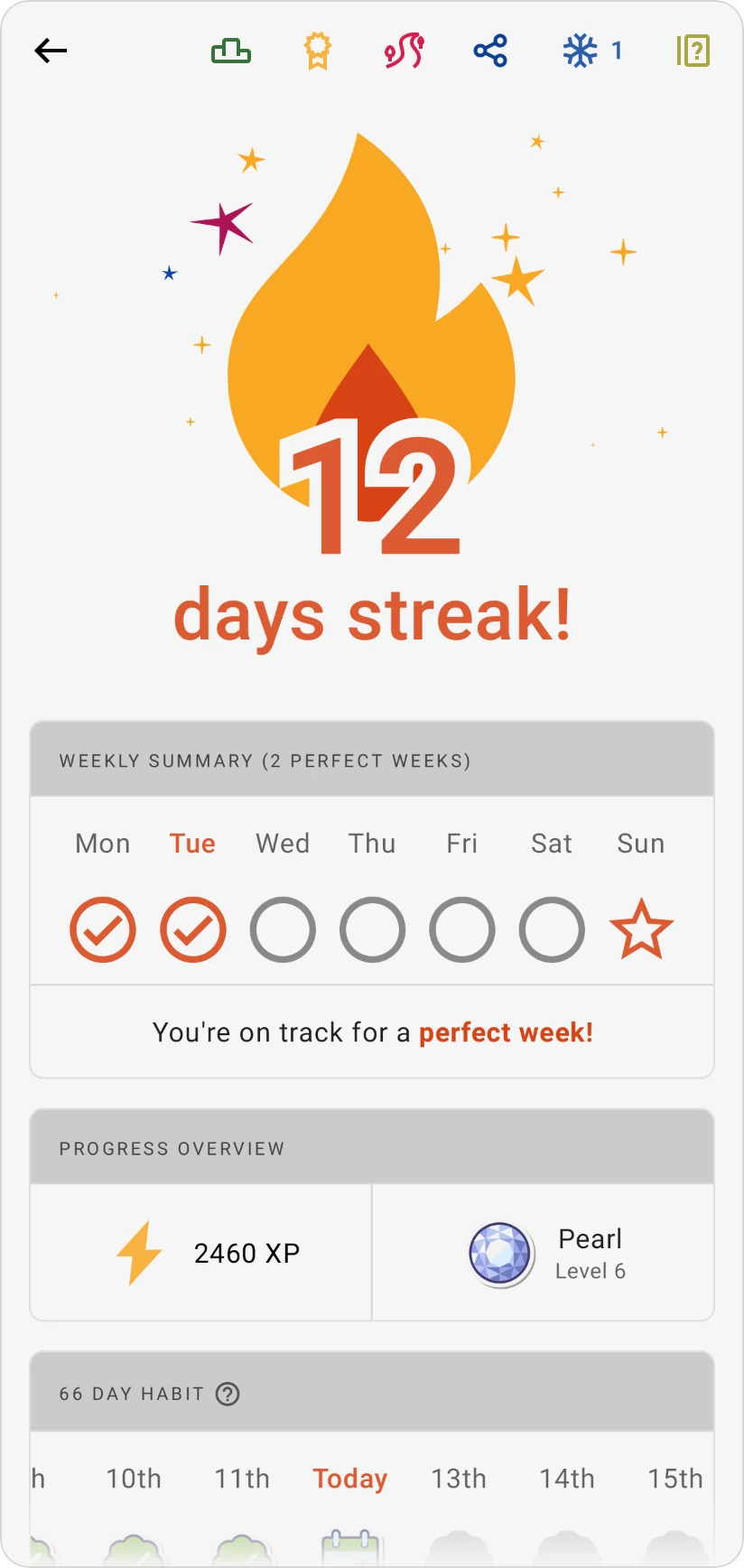
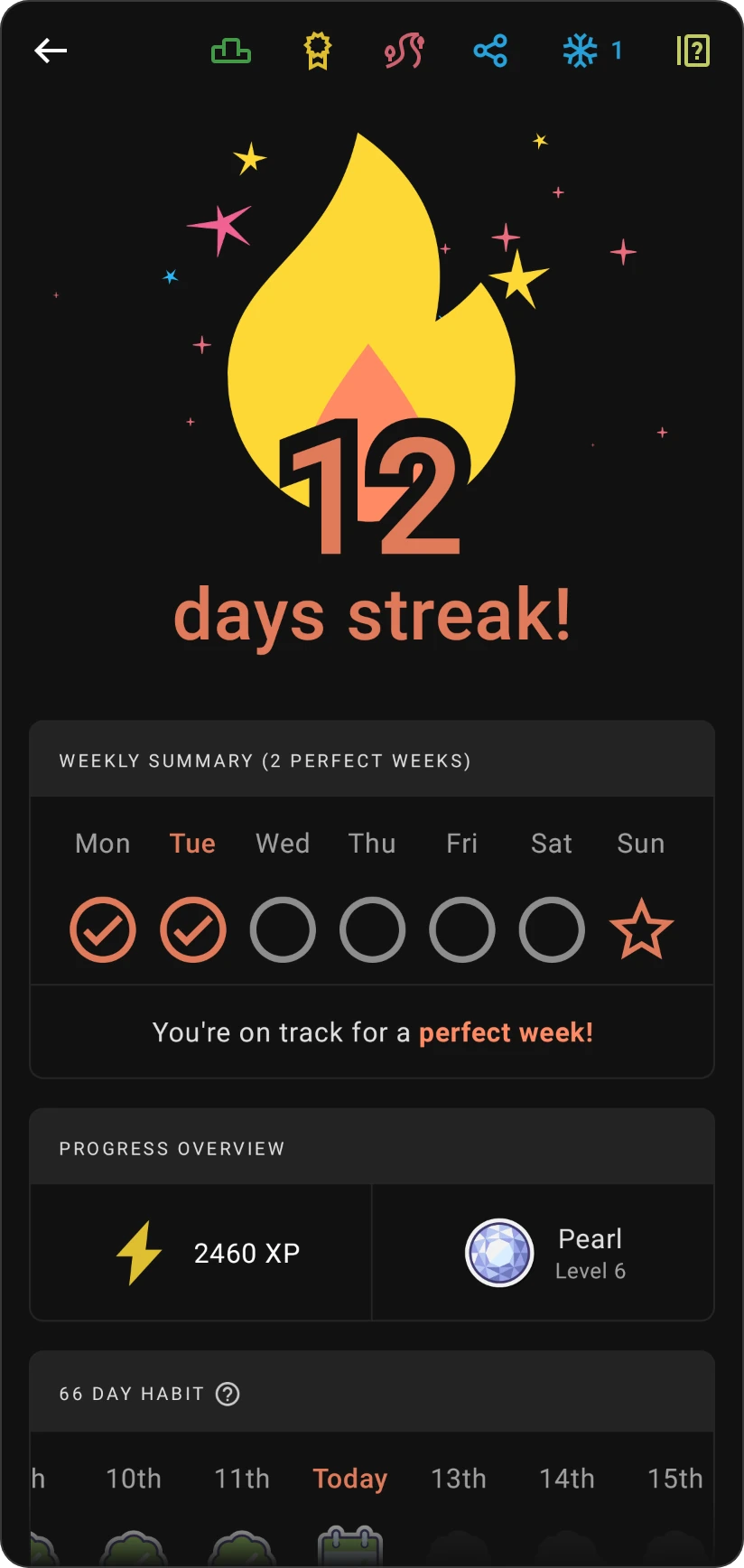
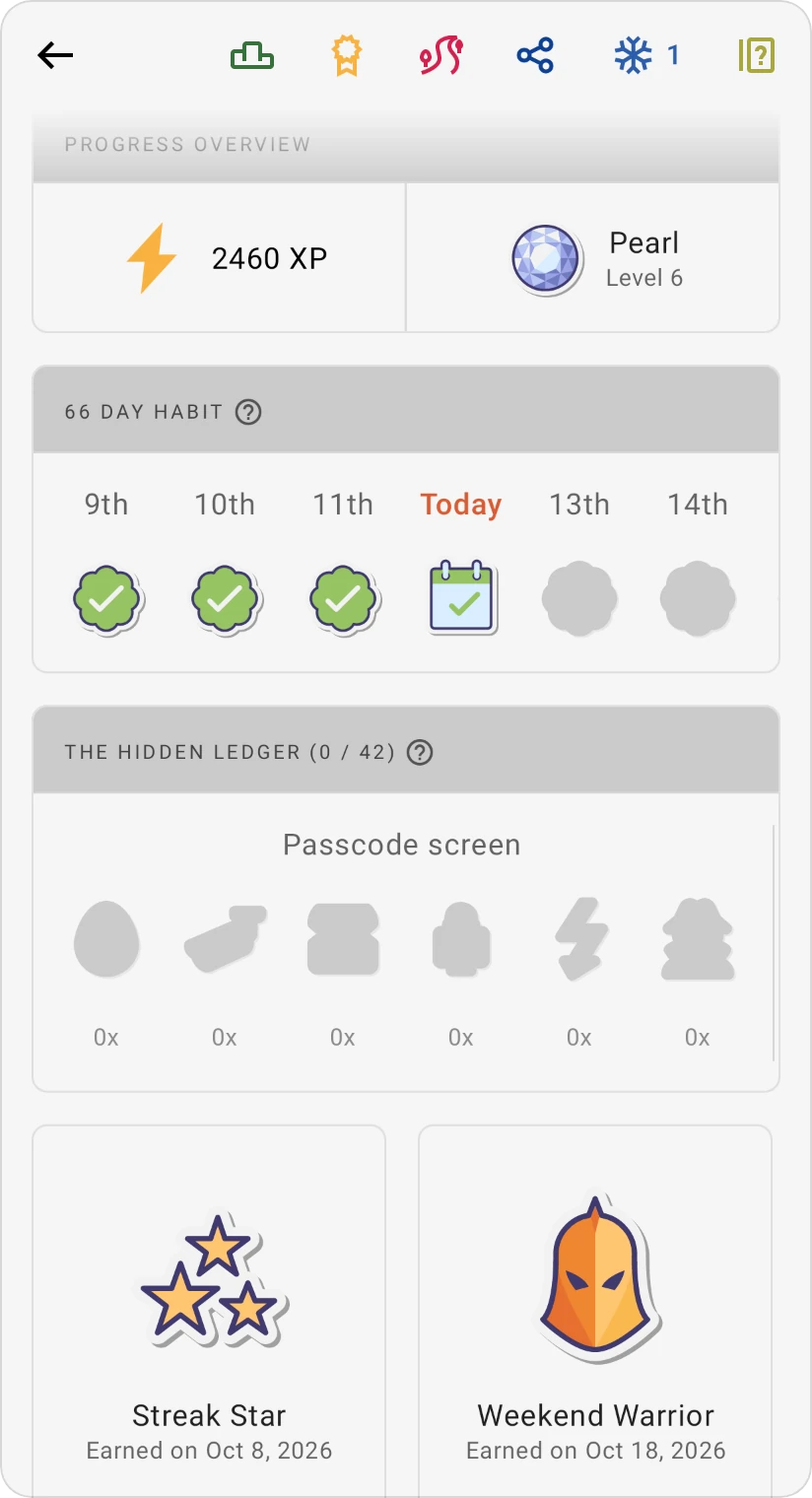
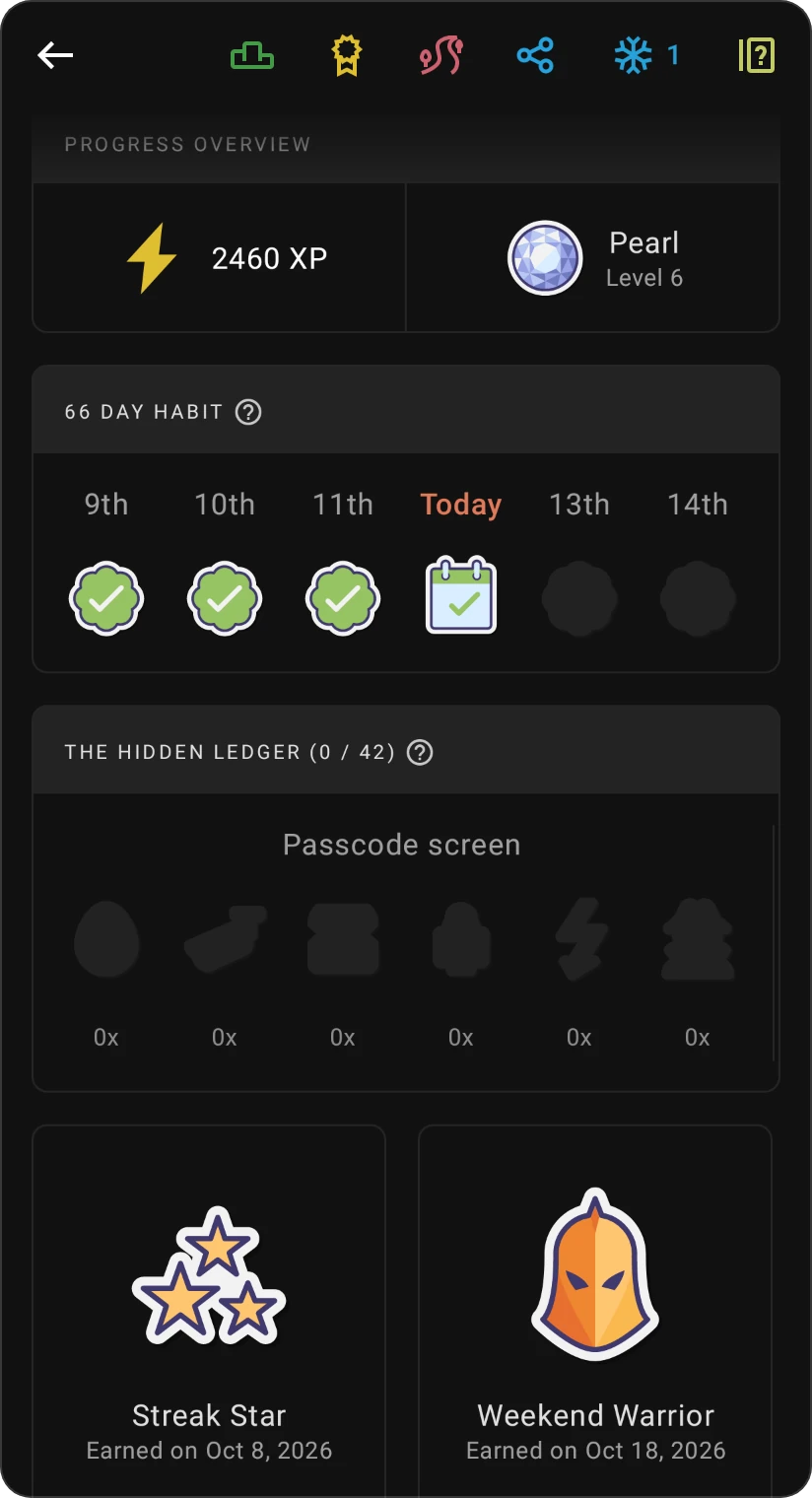
The streak screen shows:
- Your streak count, for example "20 days streak!"
- Weekly summary: each day of this week, marked as done, frozen or missed, plus how many perfect weeks you've had.
- Progress overview: your total XP and your current level. Tap it to open the level details.
- 66 day habit: your progress towards a lasting habit. See 66-day habit.
- Badges: the streak badges you've earned. Tap one to see its details.
- The Hidden Ledger: the hidden eggs you've found around the app (more below).
The icons at the top open the leaderboard, your badges, Share (to share your streak, once it reaches 3 days) and frost.
Why streaks matter
Every day you keep your streak, you're making budgeting part of your routine. Streaks also pay off in XP: extending your streak earns XP, and after 3 days in a row your XP is doubled (Streak bonus, 2x), rising to 3x after 30 days. Streak milestones earn badges such as Streak Star (3 days), 21-Day Pro, Month Marvel and 66-Day Habit.
If your streak breaks, don't worry: start again and build a new one.
Protect your streak with frost
Life happens. Frost is your streak-saving magic: it automatically protects your streak when you miss a day. You earn frost points by budgeting and using the app, and the app applies them for you, so you don't lose your streak. Tap the frost icon on the streak screen to see how many you have.
The Hidden Ledger
Beyond Budget hides secret assets all over the app. Some are easy to spot, others are very well hidden. Each discovery earns you bonus XP, which helps you climb the levels and the online league. The streak screen shows how many you've found (The Hidden Ledger (found / total)). There's a daily limit, so if you've found today's secrets, more await tomorrow.
To hide streaks and the other game elements, switch off Gamification features in More › Settings › Appearance.