Multilingual Support
The app is learning to speak more languages as the time goes by supports a wide range of languages, allowing you to use the app in the language that best suits you. This makes it easier for users across the globe to manage their finances in their native language, ensuring a comfortable and accessible experience.
Most languages are available on Android API 33 and above. But if we mess up, pardon our French (or Turkish, or Spanish...)! Don’t worry—English will always save the day. And if you catch any slip-ups, let us know so we can fix it! 😊
Supported Languages:
- English
- Español
- Français (v3.5.3)
- Deutsch (v3.5.3)
- Italiano
- Português (Brasil)
- Português (Portugal)
- Türkçe (v3.5.3)
How It Works:
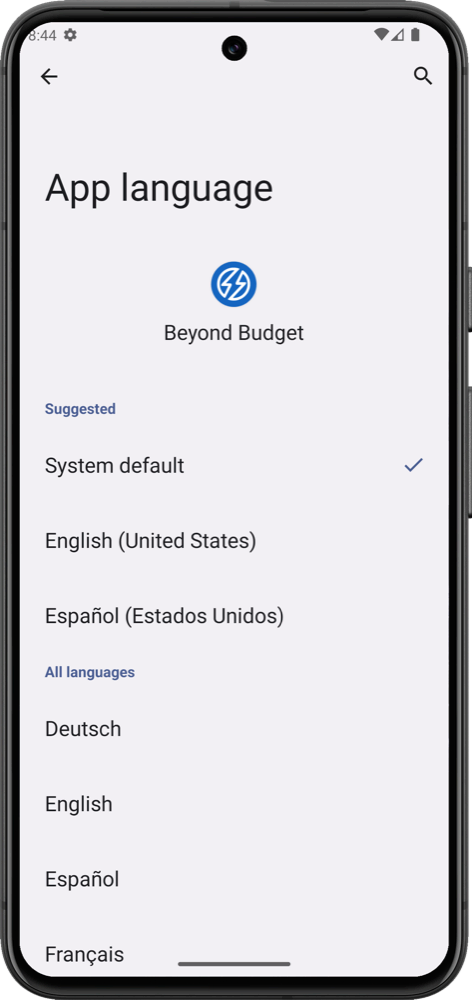
- System Default: The app can automatically follow your device’s language settings, ensuring it matches your phone’s primary language.
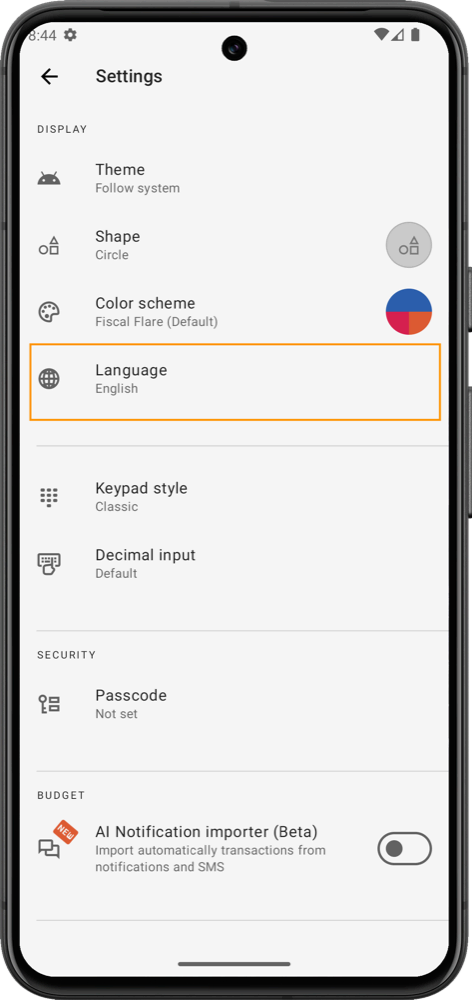
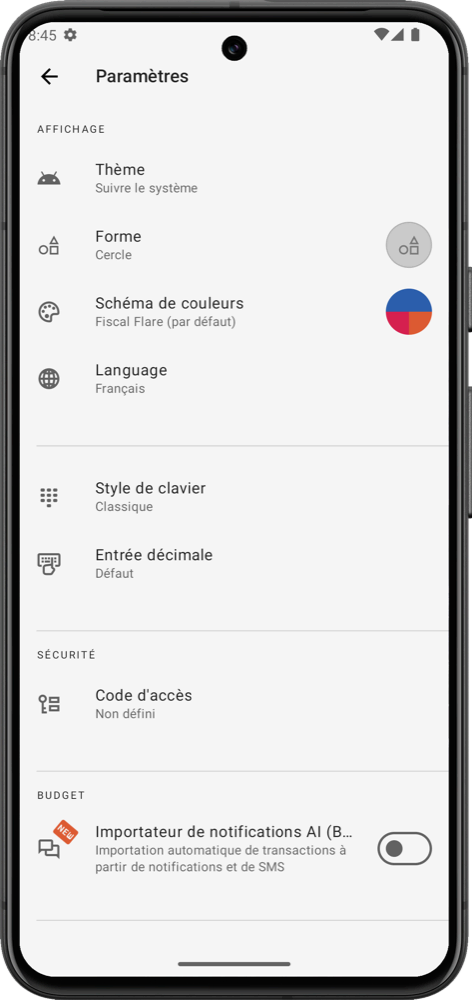
- Manual Selection: You can manually select your preferred language from the app’s settings menu.
We’re working hard to bring you more languages, but it's a massive job! Between updating the app, the server-side, and translating all our documentation, it takes time. So, please be patient with us—we promise it's worth the wait! 😊
By offering this range of language options, we are trying to ensure users can manage their finances comfortably, no matter where they are or what language they speak. Head to Settings and choose your preferred language to start using the app with ease.