Forecasting
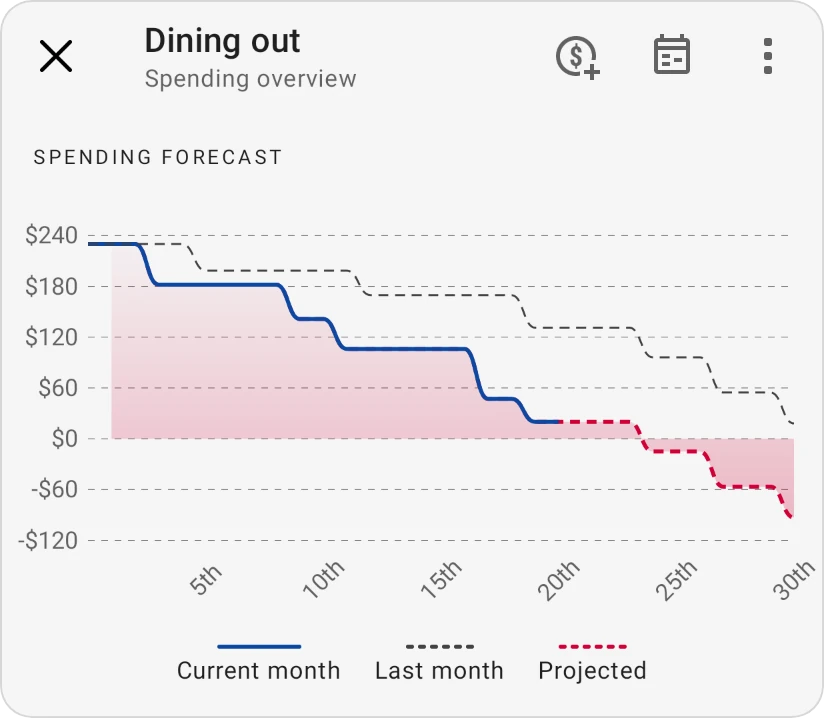
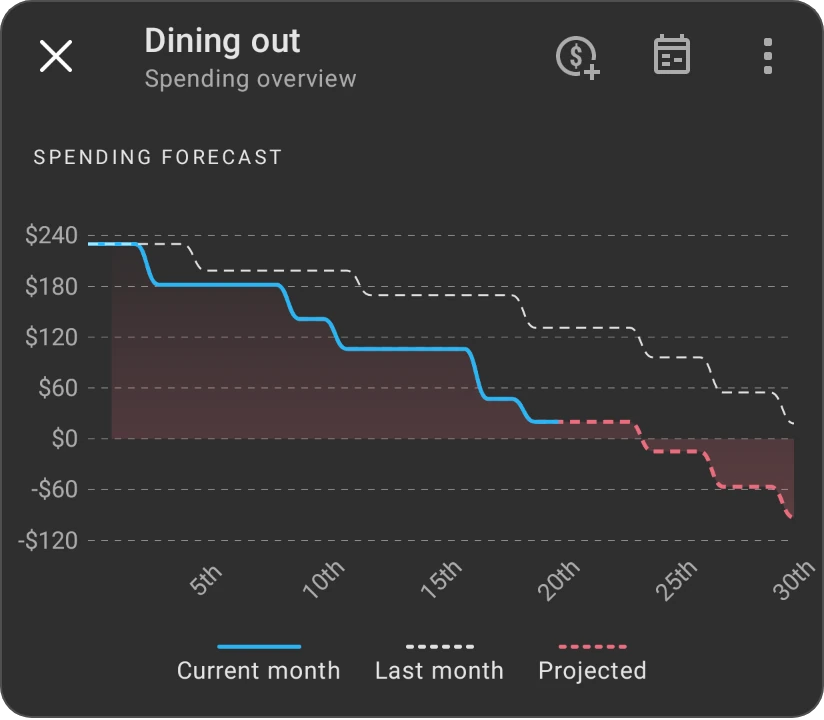
Every spending category has a Spending forecast chart. It shows how the money in the category is running down this month, compares it with last month, and projects where you're likely to end the month if you keep spending the way you usually do. Use it to spot early when a category is heading towards overspending.
Where to find it
-
On the Budget tab, tap a category and tap View transactions. The chart is at the top of the Spending overview screen, above Spending insights.
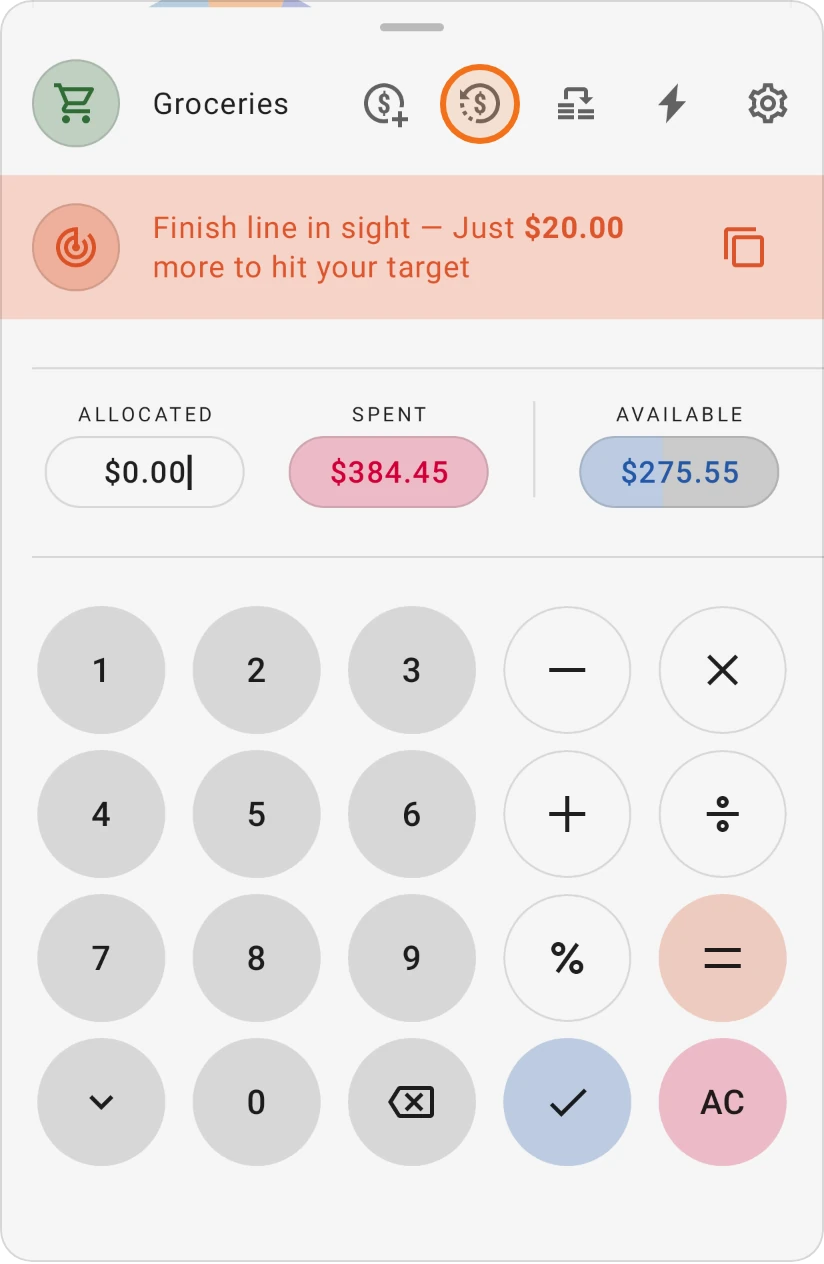
-
It's also on the category's Category details screen (except for income and debt repayment categories).
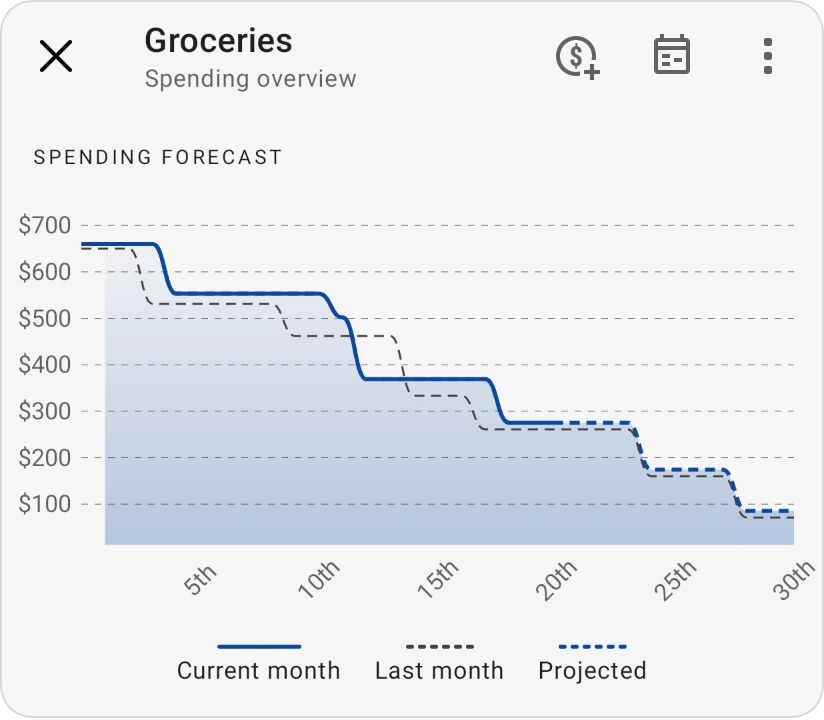
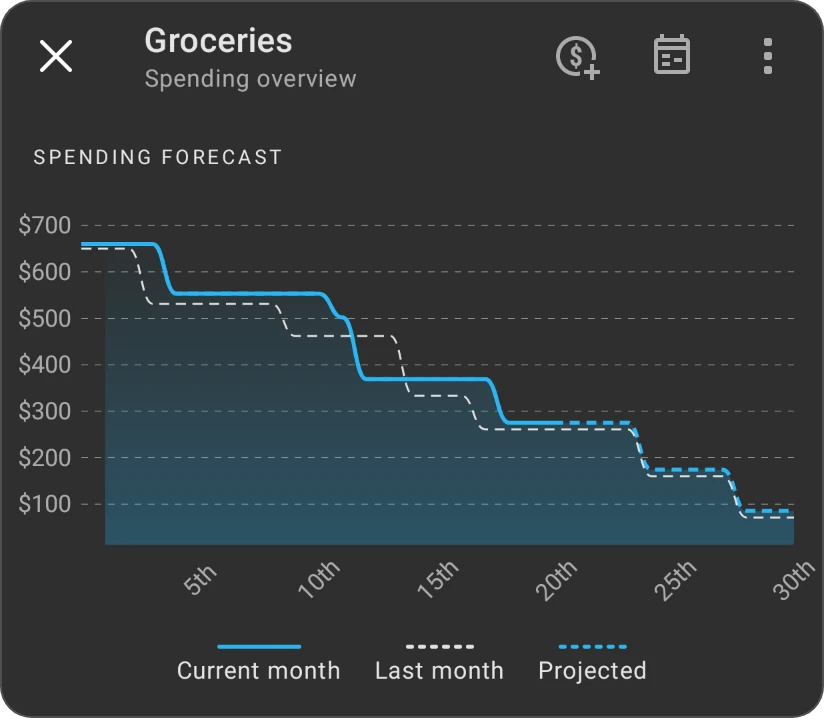
Reading the chart
The chart starts each month at the money available in the category (what you allocated plus anything carried over) and steps down each day you spend.
- Current month (solid line): what's left in the category so far this month, up to today.
- Last month (dashed grey line): the same curve for last month, so you can compare your pace.
- Projected (dashed line): where the rest of this month is likely to go. On days with a scheduled upcoming transaction, the projection uses that amount; on other days it uses your typical spending for that day of the month.
If the category doesn't have spending history from previous months yet, the legend shows Projected (Learning): the app doesn't have enough history to forecast the rest of the month yet.
When you look at a past month, the chart shows the whole month and no projection.
How the projection is calculated
The projection looks at your spending in this category in previous months, day by day, and gives recent months more weight than older ones. That way it follows changes in your habits, such as a new grocery routine, instead of being stuck on how you spent a year ago. The more months of transactions you have, the better the forecast fits your real pattern.
If Fund subcategories is turned on for a category, the chart (titled Spending Forecast (including subcategories)) combines the category with all its subcategories.
The forecast is only as good as your records. Add your expenses as they happen, or import them regularly, and keep your upcoming transactions up to date so the projected line reflects what's really coming.
Using the forecast
-
Projected line below zero before the month ends: you're on track to overspend. Slow down in that category or move money into it now rather than at the end of the month.
-
Projected line ending well above zero: you'll probably have money left. Consider moving some of it to a savings goal or another category.
-
Current month line well below last month's: you're spending faster than last month at this point.