Financial health score
The Financial health score gives you a quick picture of how your finances are doing. It's a single number out of 100, built from four parts of your money habits, so you can follow your progress over time and see where to improve.
Open your score
- Open the side menu and tap Financial health score (under Beyond only budgeting).
- Or tap the score card on the Budget tab, if you've pinned it there (see below).
How the score works
Timeframe
Your score is based on your financial activity over the past three months. That's long enough to reflect your recent habits while smoothing out short-term ups and downs.
Score breakdown
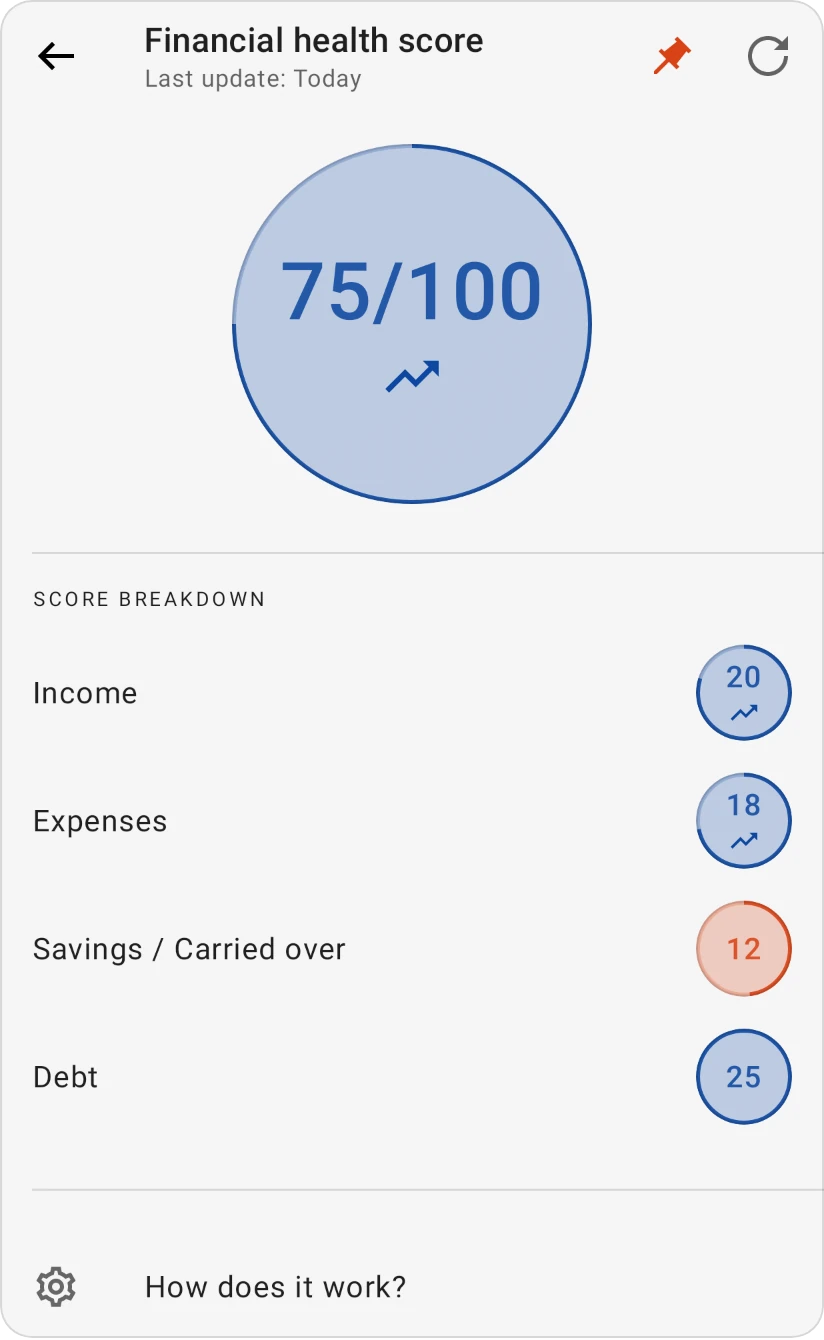
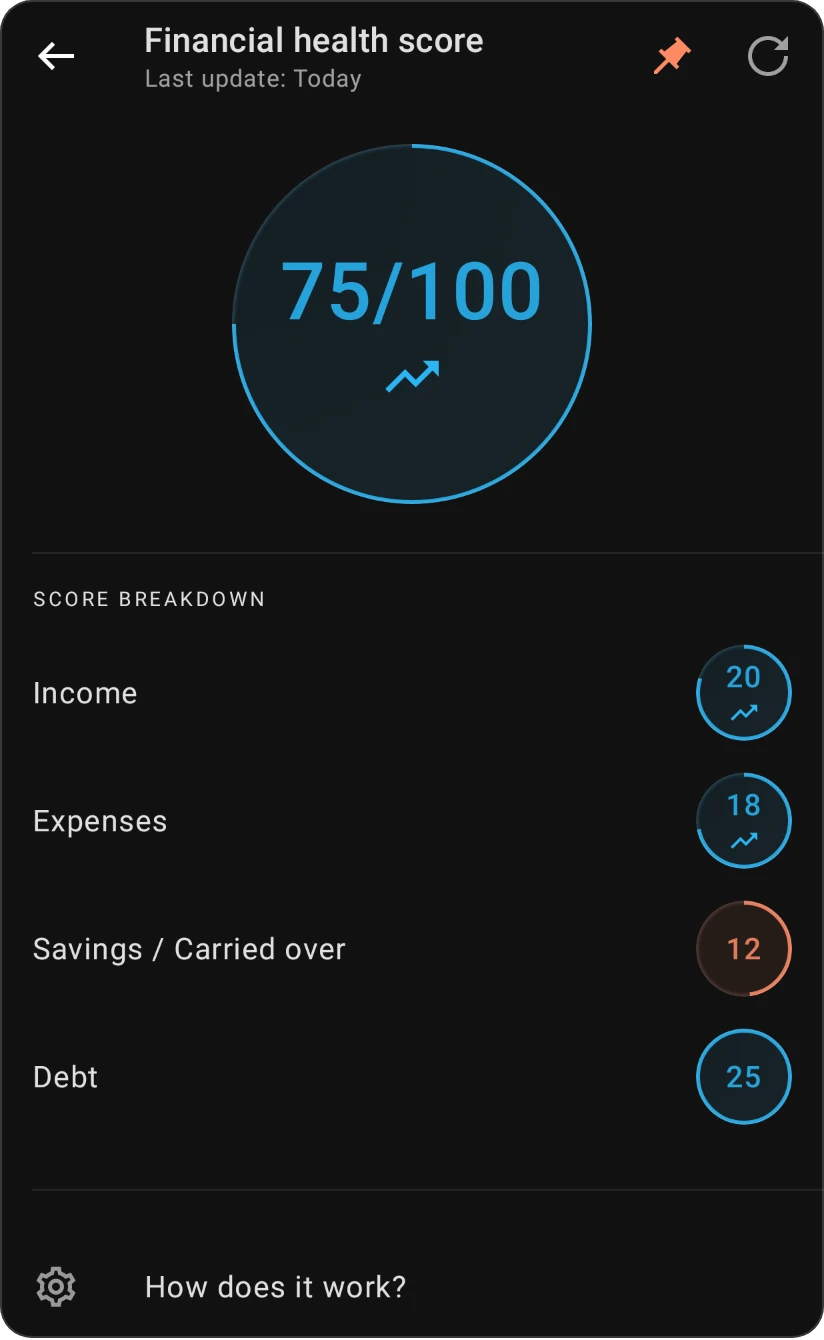
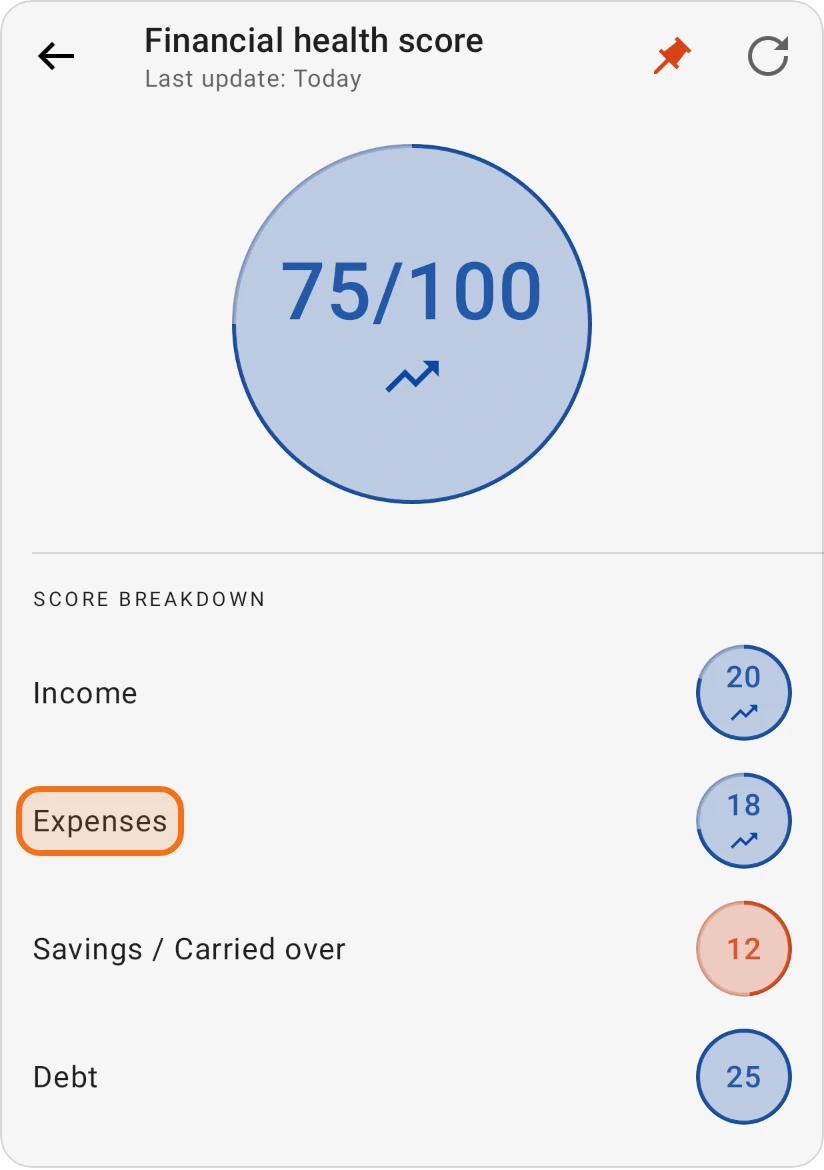
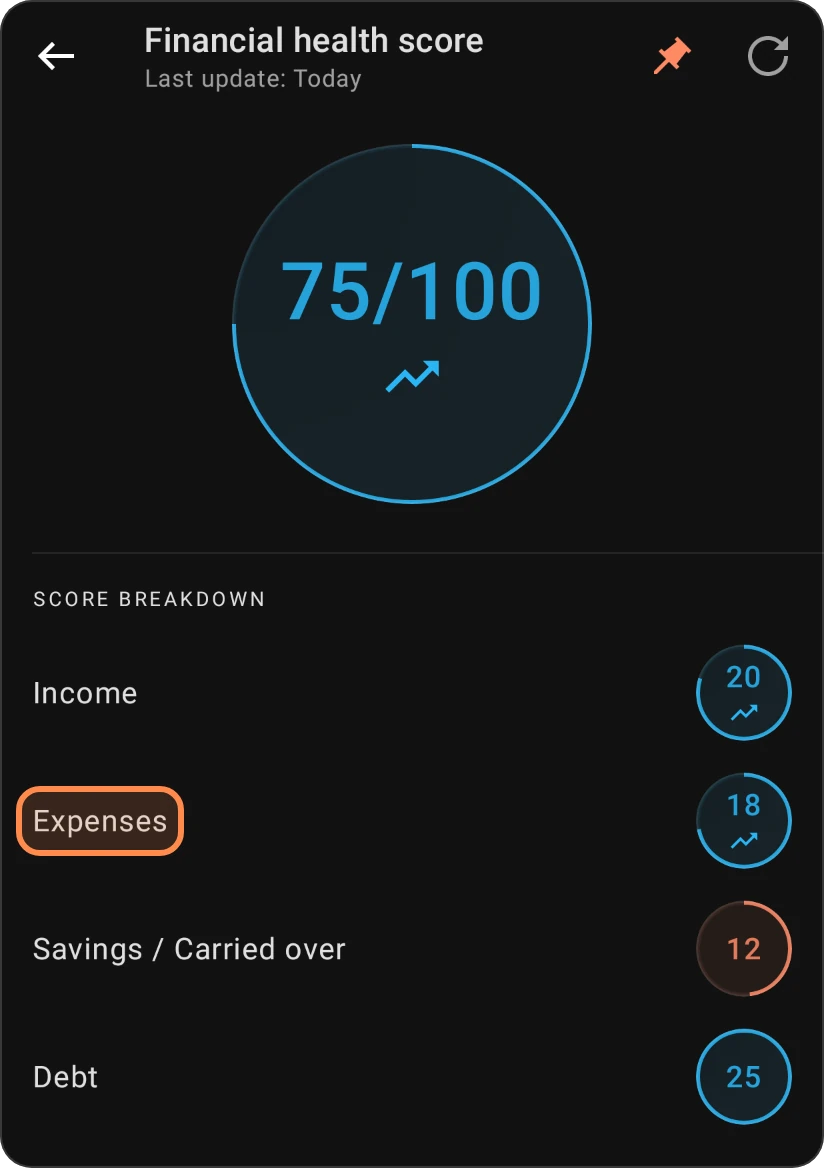
The total is made of four parts, each worth up to 25 points:
- Income: your total income from all sources, compared with your expenses. Even if your income isn't high, keeping your expenses well below it helps this part.
- Expenses: your monthly expenses in relation to your income. Lower expenses relative to income give a higher score.
- Savings / Carried over: how much is left over at the end of each month after your expenses (your carried-over amount). A carried-over amount that keeps growing improves this part.
- Debt: your total outstanding debt and its interest rates, including loans and credit card balances. More debt, especially high-interest debt, lowers this part.
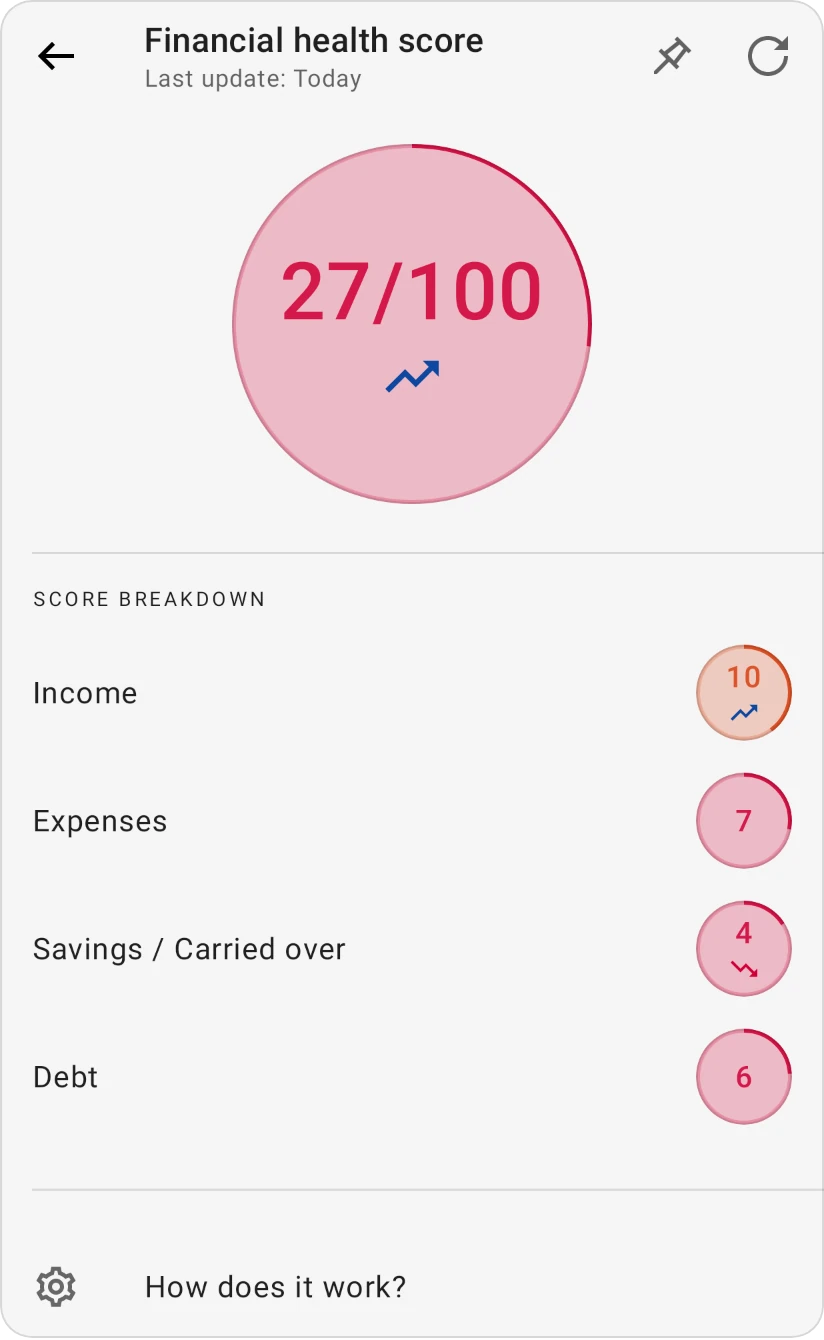
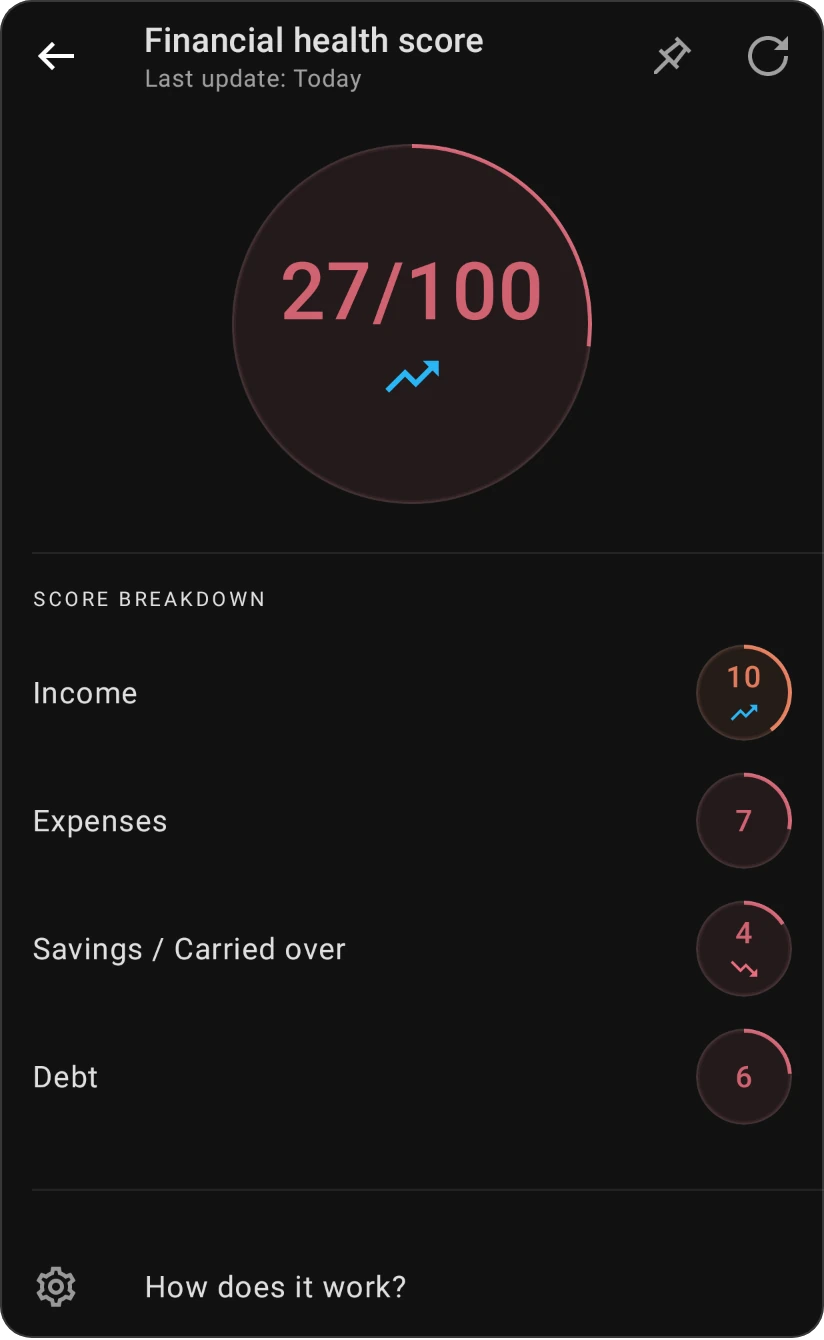
Each part is coloured by how it's doing: the negative colour (red) for 0–7 points, the warning colour (orange) for 8–15 and the positive colour (blue in the default scheme) above 15. The total uses the same colours for its bands below. Tap a part, or the total, to read tips on improving it.
What your total means
| Score | Label | Meaning |
|---|---|---|
| 0–33 | Foundational | Every journey has a starting point. Discover tools and insights to uplift your financial status. |
| 34–66 | Balanced | There's potential for growth. Explore areas to fine-tune and enhance. |
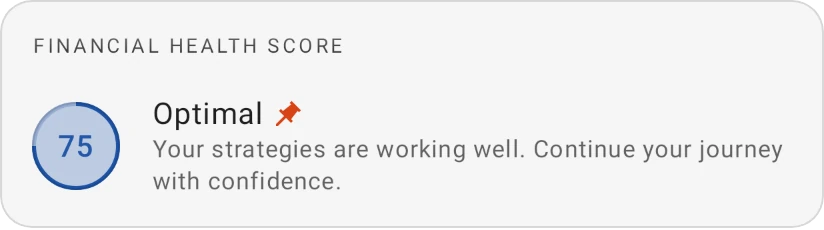
| 67–99 | Optimal | Your strategies are working well. Continue your journey with confidence. |
| 100 | Peak | Exceptional! Stay the course and keep up the outstanding work. |
If you've just started, the screen shows No data available until you've added enough transactions for a first score.
Get tips to improve a part
-
Open your score.
-
Tap the part you want to improve, for example Expenses, or tap the total score.
-
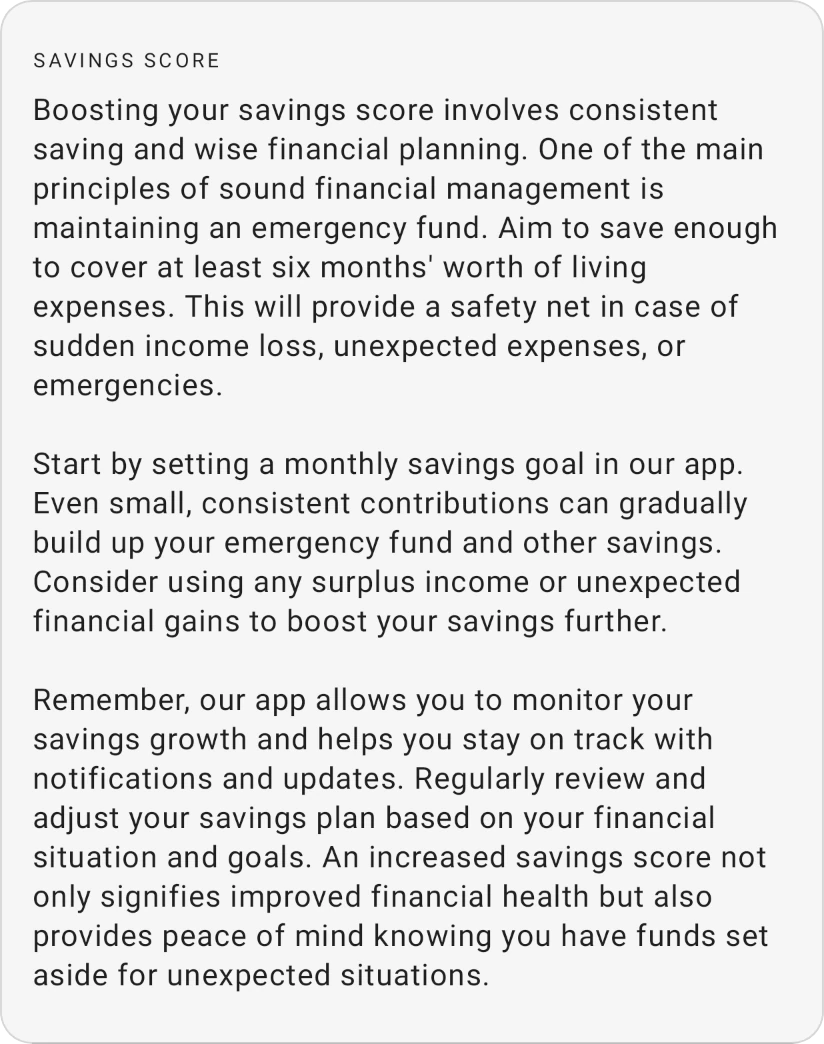
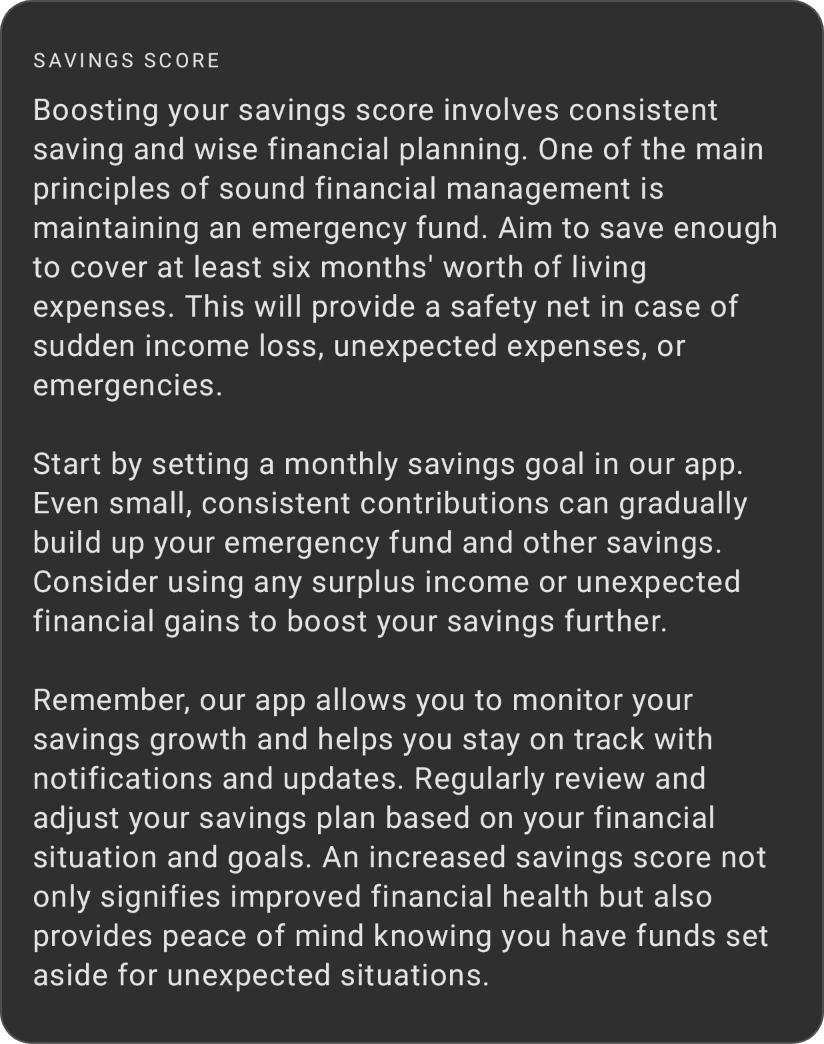
A panel opens with tips for that part, titled Income score, Expenses score, Savings score or Debt score (Savings score is the Savings / Carried over part). For example, Expenses score explains how tracking every expense helps you find where to cut back. From the panel you can also open this help page.
Start with the part in the negative or warning colour: it's where a change lifts your total the most.
Score updates
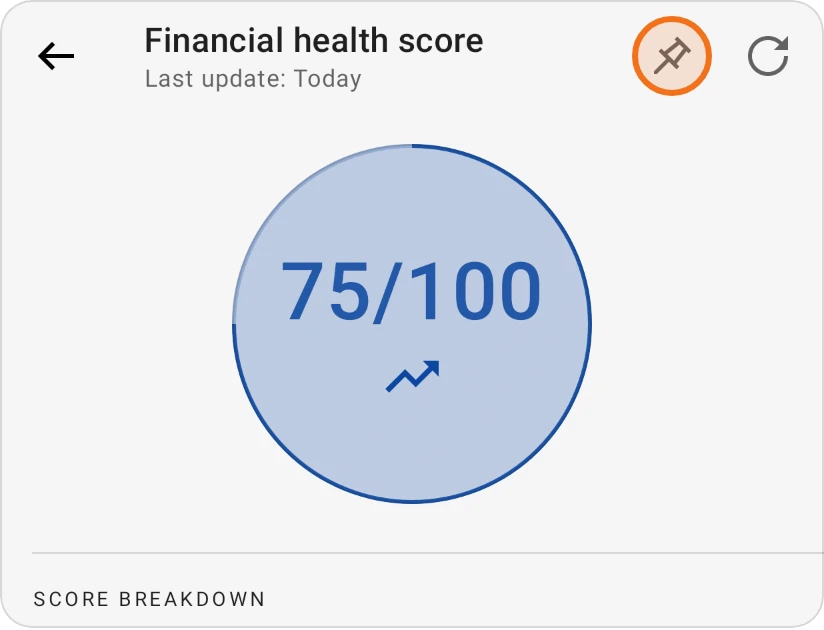
The top of the screen shows Last update with the date of your current score.
- Free: your score updates automatically once a day. While you have no score yet, you can tap the refresh button once to calculate it straight away.
- Pro: on top of the daily update, tap the refresh button whenever you like to recalculate your score on demand, for example right after a big change to your budget.
Pin the score to the Budget tab
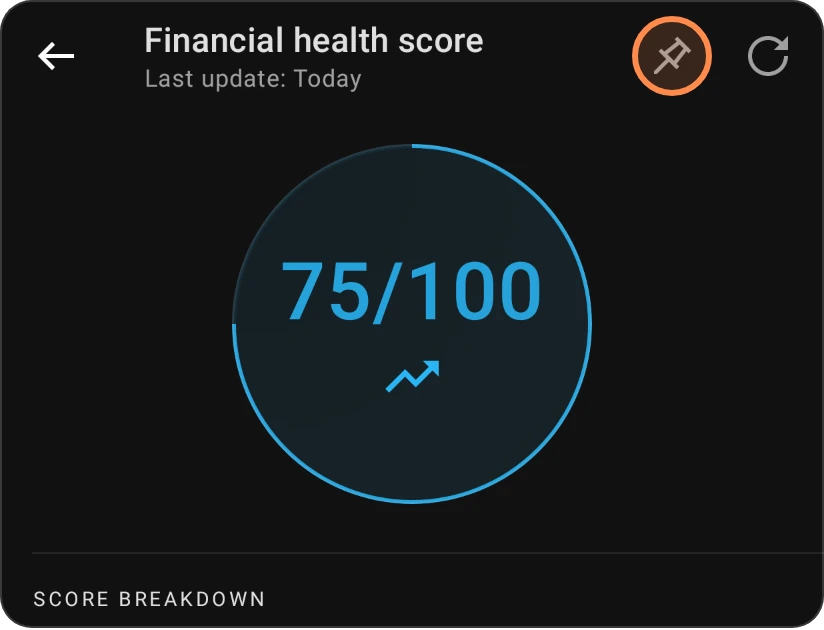
Once you have a score, tap the pin icon at the top of the score screen to show your score and its label as a card on the Budget tab; a short message confirms it's pinned. Tap the card to open the score screen. Tap the pin again to remove the card.

What the score is (and isn't)
The score is a simplified snapshot of your financial health. It doesn't take every financial circumstance into account. Use it to keep track of your habits and improve them over time, and always make financial decisions based on your own situation and needs. For the full explanation inside the app, tap How does it work? at the bottom of the score screen.