Profile
More › Profile shows your account details and gathers the account-wide actions: your name and picture, your plan usage, your data and backups, and the options to start over or delete your account.
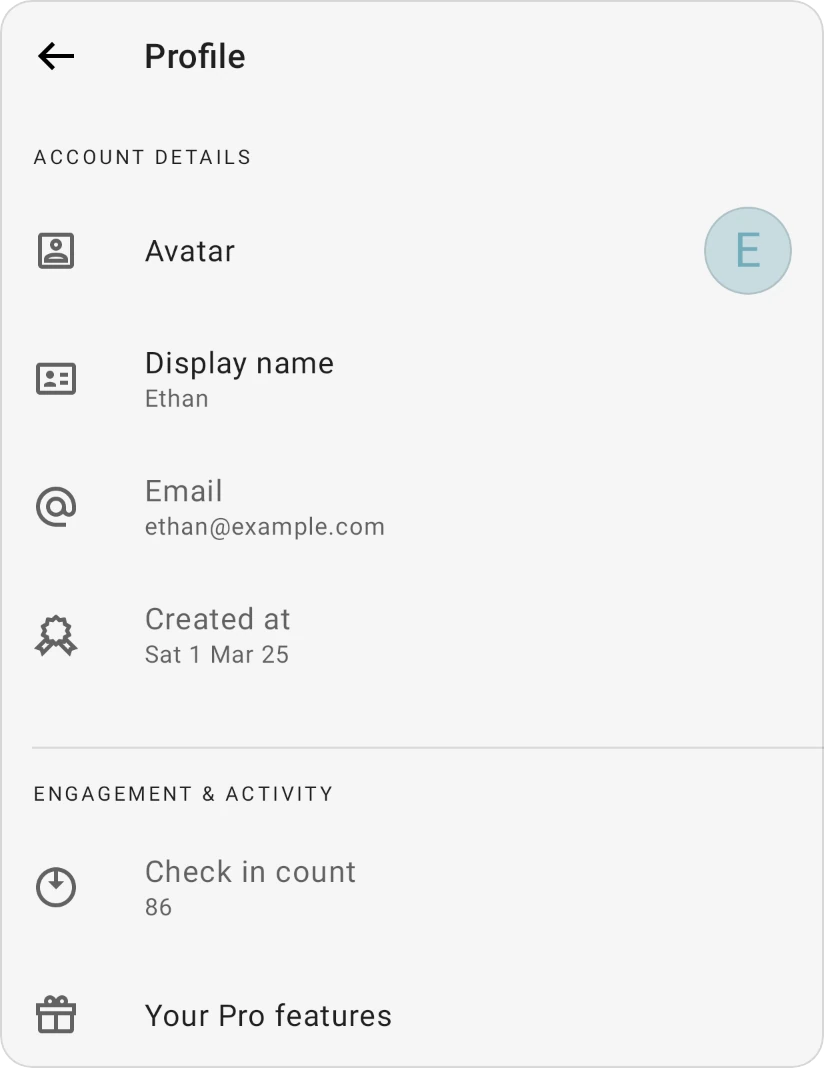
Account Details
- Avatar: tap it to choose a picture for your account.
- Display name: the name other people see. Tap it, type a new name and tap Update. The name can't be empty. It appears in the side menu, in BudgetChat's greeting, to the members of your family group, and on the transactions you add to a shared budget. Without a display name, the app shows Anonymous.
- Email: the email address you signed in with. If you're using the app as a guest, Link account appears here instead; see Link a guest account.
- Created at: when you created your account.
Engagement & Activity
- Check in count: how many times you've checked in with the app.
- Plan limits & usage (called Your Pro features once you have Pro): opens what each plan includes and how your usage compares with the free plan's limits. See Does the app offer a free plan?.
Data & Backups
- Active budget: the budget you're working in. Shown when you have more than one; tap it to switch. See Multiple budgets.
- Import data and Export data: bring transactions in, or save your own copy.
- Last backup: when the app last received your data from our servers. Tap it for the backup and connection status; see Backup and connection status.
Reset & Danger Zone
- Start over (Reset all transactions and keep your setup): shown to the budget's owner only. See Starting over.
- Delete account: permanently deletes your data. See Deleting your account.
Was this page helpful?