Support
More › Support gathers every way to get help in one place: instant answers, this help center, the community, a message to our team, and Sync & refresh for when a number in your budget looks wrong.
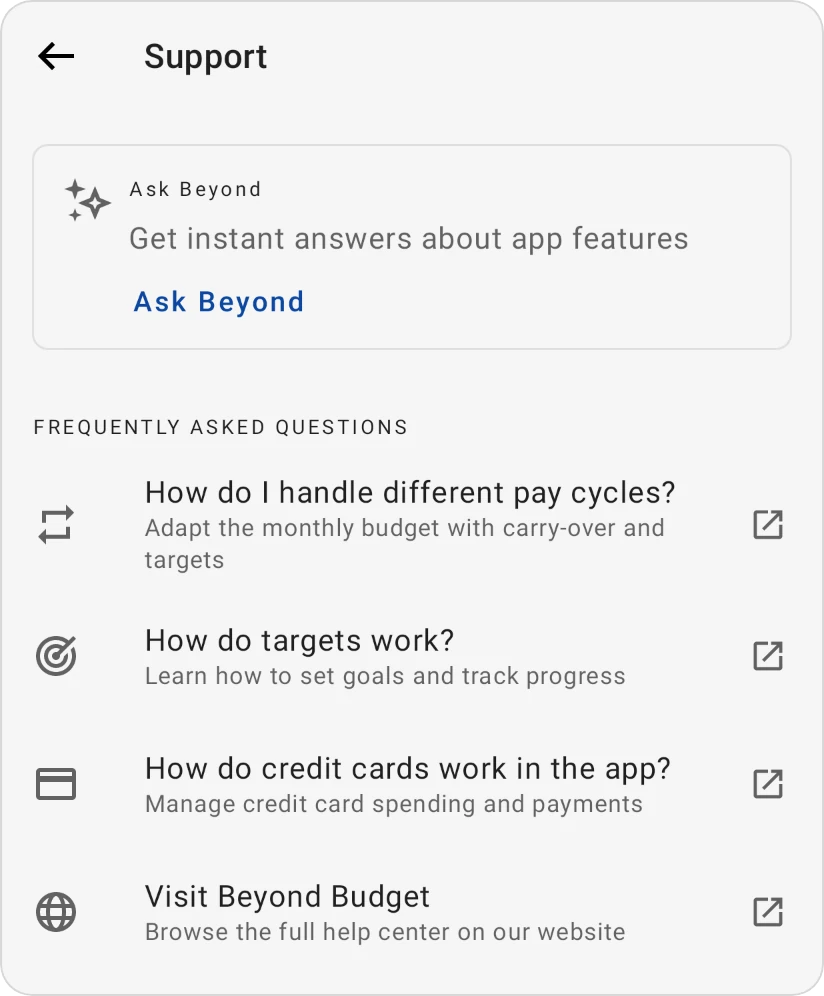
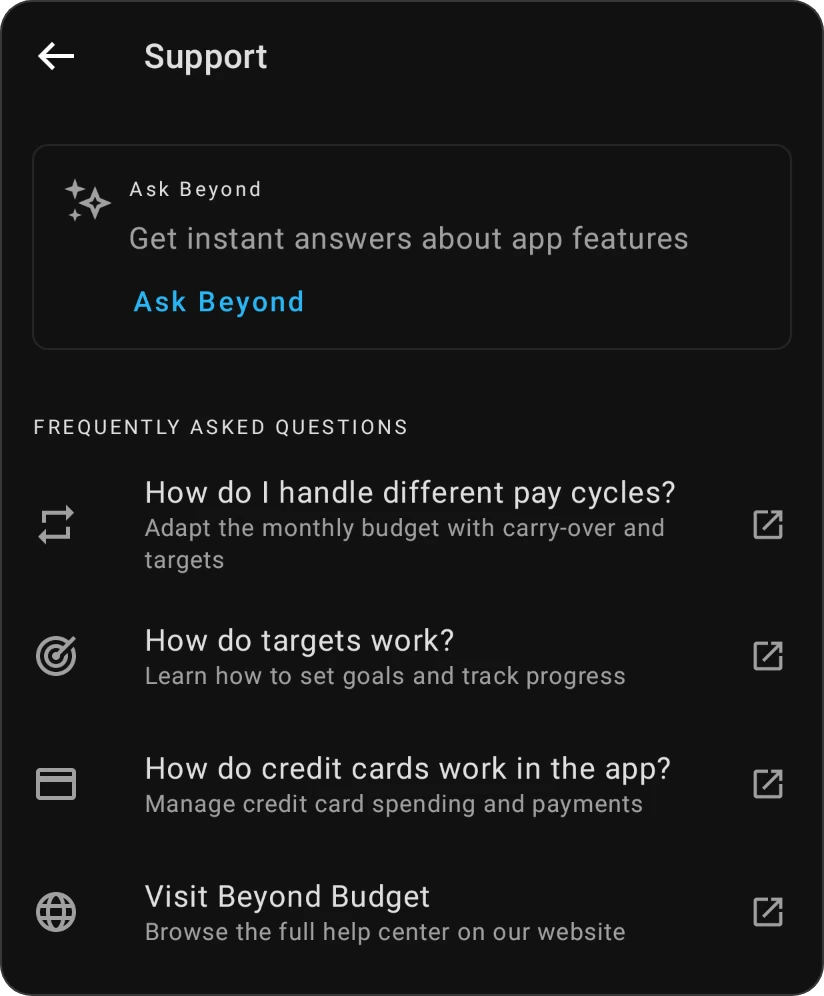
What's on the Support screen
From top to bottom:
| Section | What it offers |
|---|---|
| Ask Beyond | A card that opens Ask Beyond, the chat that answers questions about the app. |
| Frequently Asked Questions | Links to the most asked help pages: How do I handle different pay cycles?, How do targets work?, How do credit cards work in the app?, and Visit Beyond Budget for the whole help center. |
| Help & Community | Help center, Reddit (our community, where other users share real-world tips), Quick start guide and Knowledge hub (articles about money). |
| Sync & refresh | Recalculates balances and categories that look wrong. See Sync & refresh below. |
| Support & Feedback | Contact support, Report a problem and Send feedback. See Contact us below. |
| Tools & Resources | Import data, Export data, Restore purchase, Video gallery and Restart onboarding. |
| Version | The app version you're using. Include it when you report a problem. |
- Video gallery has short tutorials and deep dives on features. It's still growing, and some videos are in English only.
- Restart onboarding replays the onboarding guide and setup walkthrough you saw when you first started.
- Restore purchase appears only on Android and iOS, and only while you don't have an active Pro plan. See Upgrading to Pro.
When you open Support before signing in, from the passcode screen or from an error screen, it shows a shorter version: the FAQ links, the help center, Reddit, and Support & Feedback. Ask Beyond, Sync & refresh and the tools appear once you're in your budget.
Contact us
Under Support & Feedback:
- Contact support (Need help? Talk to a human) first shows a Get help faster message, because most questions are answered straight away without waiting for a reply. Choose:
- Ask Beyond for instant answers to open Ask Beyond;
- Visit Help Center to open this help center;
- Contact support anyway to write to us.
- Report a problem (Something not working? Let us know!) opens an email to us with the subject "Problem".
- Send feedback (Have ideas? Help us make this better!) opens an email to us with the subject "Feedback".
Each email opens in your email app, addressed to support@beyondbudgetapp.com. It already contains a reference line (it starts with Ref: BB-): keep it in your message, it helps us find your account. Write your message below the line.
If your device has no email app, the app shows No email app found! with Copy email: copy our address and send your message from any email service.
We're on New Zealand time and reply during NZ workdays, usually within 72 hours. If you haven't heard from us after 3 business days, check your spam folder. For a faster answer, try Ask Beyond, this help center or the Reddit community.
Sync & refresh
If a number in your budget looks wrong (for example after using the app offline on two phones), Sync & refresh recalculates it from your transactions.
-
Go to More › Support.
-
Tap Sync & refresh.
-
Choose what to refresh:
- Refresh an account balance: pick an account, and its cleared and uncleared balances are synced with its transactions.
- Refresh Ready to allocate: syncs Ready to allocate with your transactions for the month you have open. Shown only in a zero-based budget.
- Refresh category numbers: recalculates each category's spending, carryover and Available in every month from your transactions.
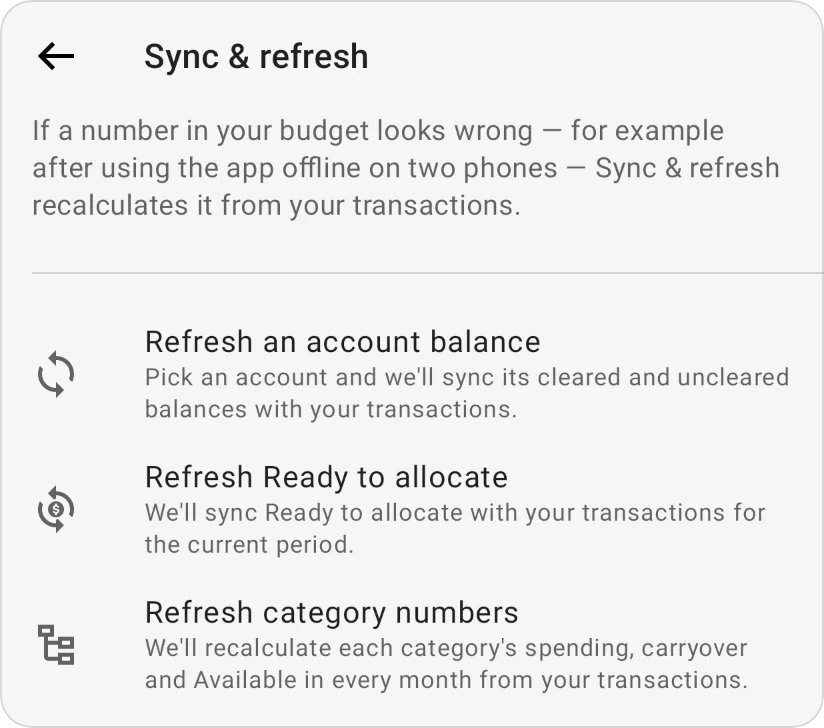
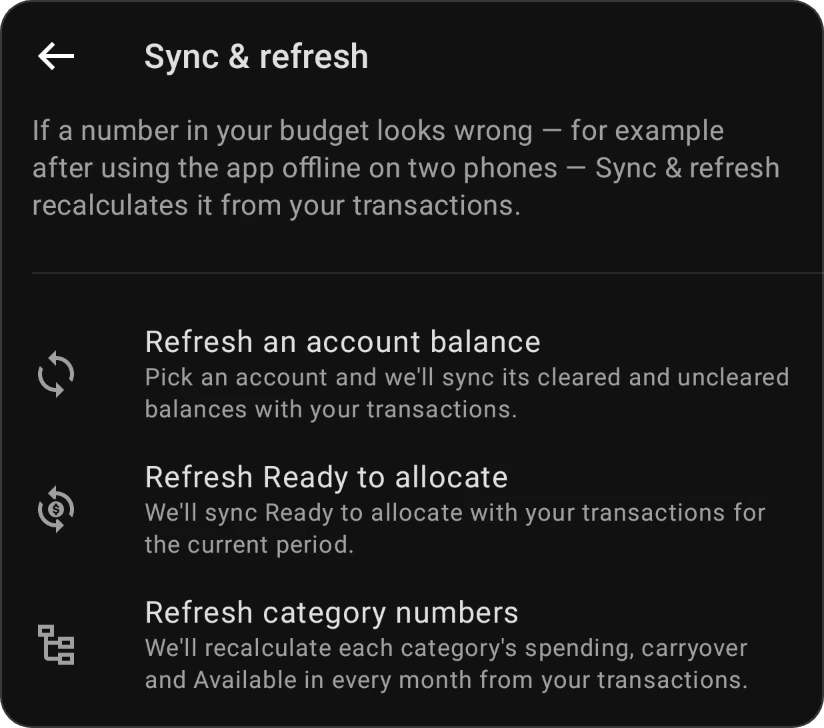
While it works, the screen shows what it's syncing. On a large budget the category refresh can take a minute.
What the messages mean
Account balance
- "Account is in sync.": nothing needed fixing.
- "Account synced. Adjusted by amount.": the balance was off and is now corrected. The amount is how much the cleared and uncleared balances changed in total.
Ready to allocate
- "Ready to allocate is in sync." or "Ready to allocate synced. Adjusted by amount."
- "Syncing Ready to allocate isn't available for this budget type yet.": the budget isn't zero-based.
Category numbers
- "Your categories are in sync.": nothing needed fixing.
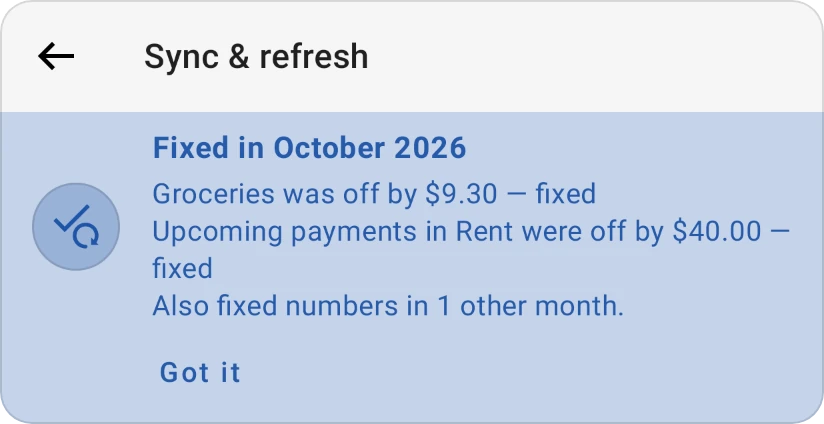
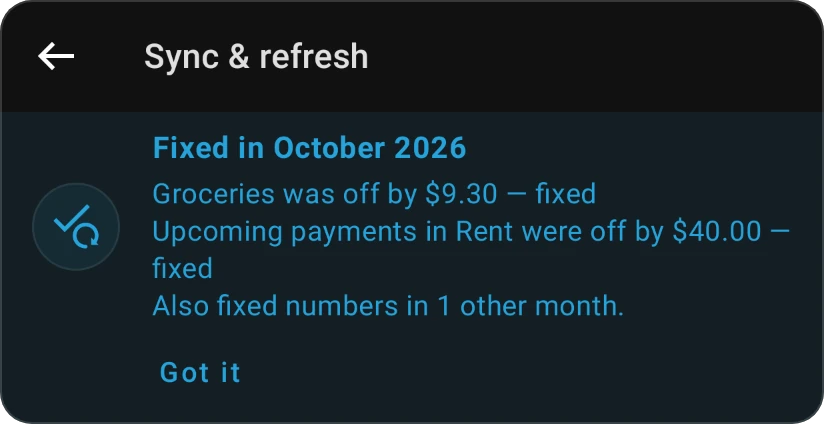
- When something in the month you have open was fixed, a card Fixed in month lists up to three fixes, such as "Groceries was off by $12.40 — fixed", "Upcoming payments in Rent were off by $50.00 — fixed" or "Ready to allocate was off by $20.00 — fixed". More categories are counted ("And 2 more categories"), and so are other months that were fixed. Tap Got it to close the card.
- "Month was in sync. We fixed numbers in 3 other months.": the month you have open was right, but older or later months were corrected.
When it can't run
- "Only this budget's owner or an editor can refresh its numbers. Ask one of them to run Sync & refresh.": someone who can only view a shared budget can't refresh it. In that case the Sync & refresh row doesn't appear in Support.
- "This budget is being reset. Try again in a few minutes.": the budget is in the middle of starting over.
- "This budget is too big to refresh here. Contact support and we'll refresh it for you.": the category refresh has too much to fix in one go. Nothing was changed; use Contact support and we'll run it for you.
- "Couldn't sync … right now. Try again in a moment." (or "Couldn't refresh your categories right now."): the refresh didn't finish, for example because you went offline or the budget changed at the same moment. Try again.
Backup and connection status
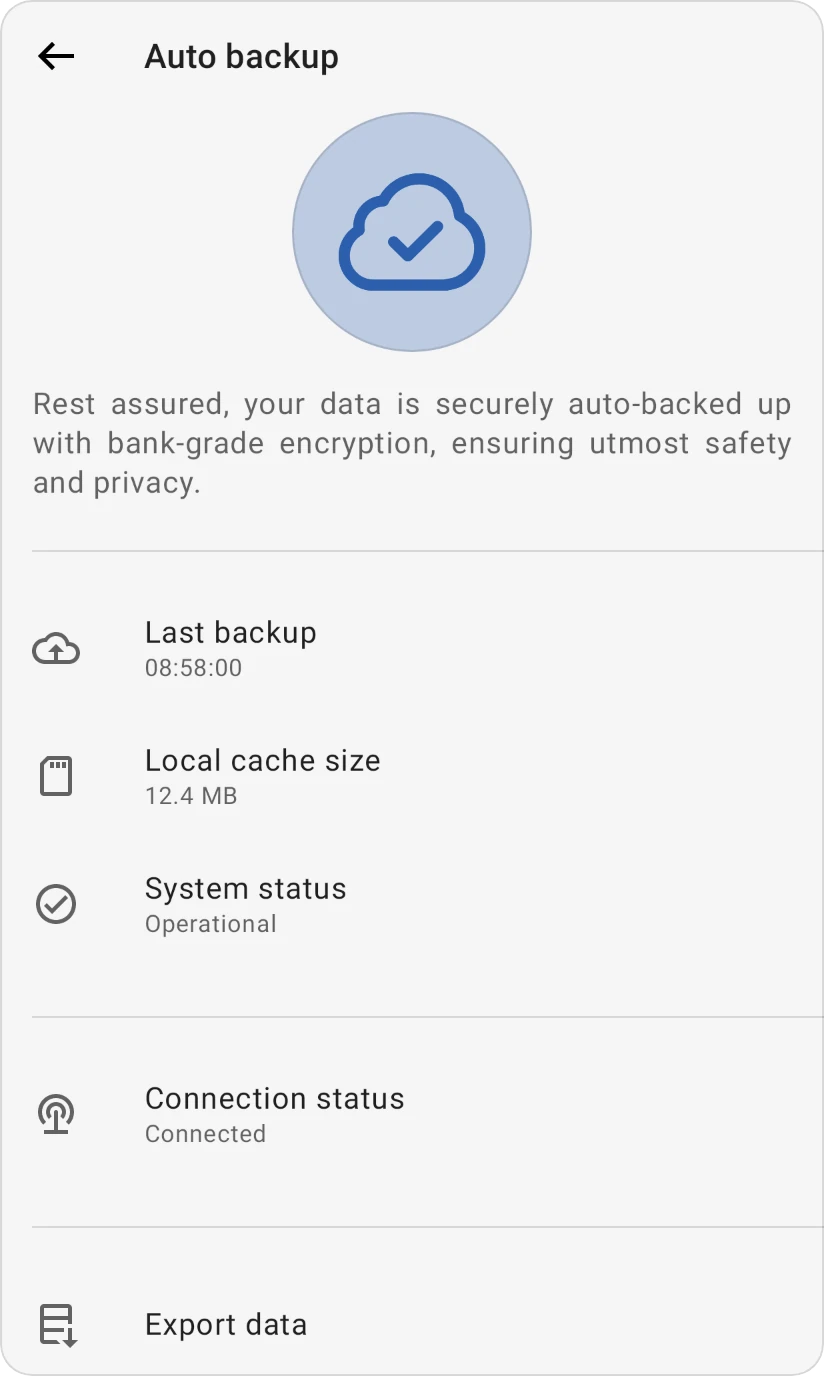
The Auto backup screen shows whether your data is reaching our servers. Your data is backed up automatically, with bank-grade encryption; there's nothing to start by hand.
To open it, tap Last backup in the side menu, or go to More › Profile and tap Last backup under Data & Backups.
| Row | What it means |
|---|---|
| Last backup | When the app last received your data from our servers during this session: Just now, Moments ago, or the time to the second, such as 08:58:00. Pending internet connection means it hasn't reached them yet since you opened the app. |
| Local cache size | How much space the app's offline copy of your data takes on this device, in MB. It shows Calculating while it's measured. Not shown on the web. |
| System status | Operational. This line doesn't test the connection; for that, look at Connection status and Last backup. |
| Connection status | Connected when your device is online. Offline, it says so: keep budgeting, and everything syncs when you're back online. |
| Export data | Opens Export data to save your own copy. |
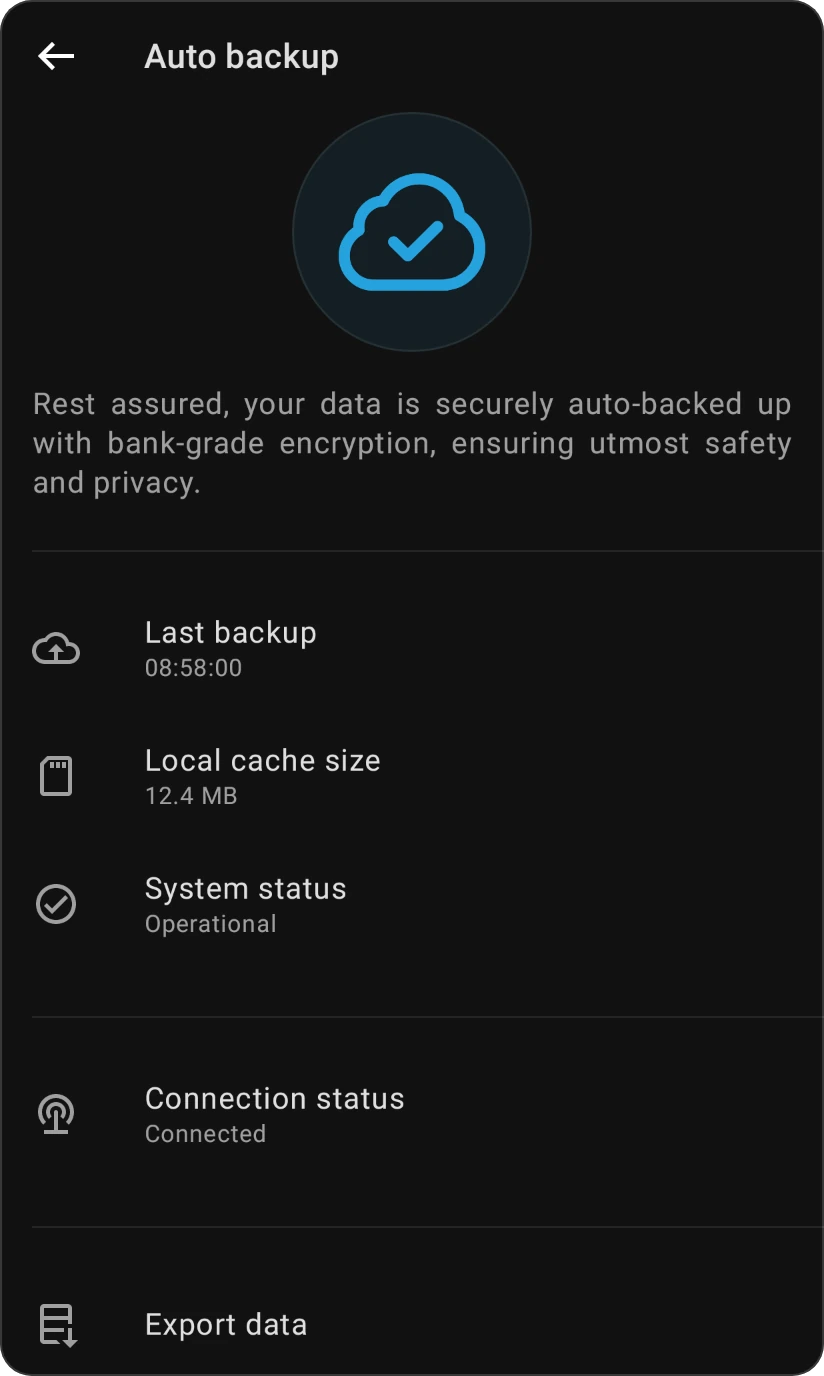
The picture at the top shows a cloud with a tick while you're connected and a Wi-Fi sign while you're offline. It's in the warning colour while you're offline or the first backup of the session hasn't arrived yet.