Safe to spend today
Safe to spend today tells you how much you can spend each day for the rest of the month without running your spending categories dry. It's one of the views in the Budget summary card on the Budget tab (swipe through the card to find it), and it's on every plan, Free included.
What it shows
For the current month it shows an amount a day and the days left, for example $21.00 a day and 10 days left, with $210.00 to spend after scheduled payments below. On the month's last day it shows everything left as one amount, for example $35.00 left today.
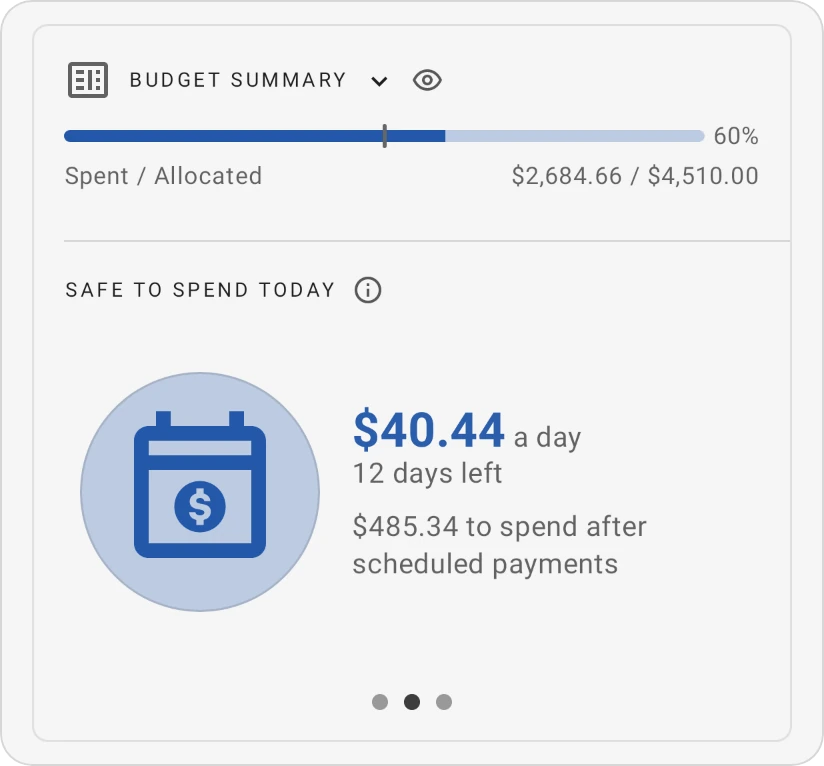
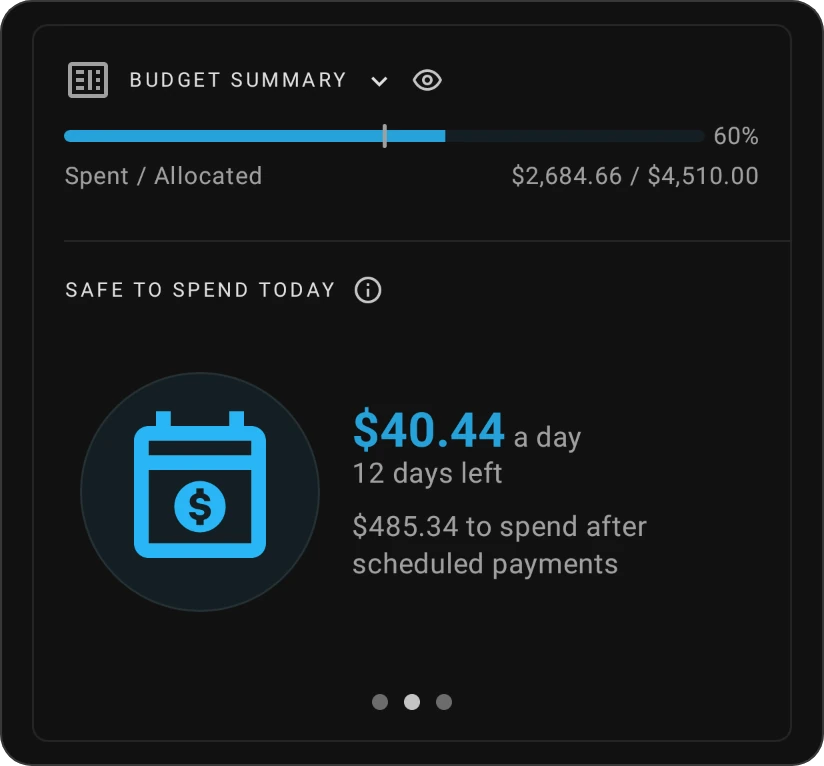
The amount moves on by itself: at midnight, and when you come back to the app on a new day, the days left count down.
Tap the card's info button, or the view itself, to open How does it work? with the same explanation as this page.
How it's worked out
- The app adds up what's Available in your spending categories (the categories it counts, below).
- It takes off each of those categories' scheduled payments for this month (its future and recurring transactions). An overspent category counts against the others.
- In a zero-based budget, if you've allocated more than you have (Ready to allocate below zero), the app takes that overallocation off too, because your categories hold money that isn't there.
- It shares what's left over the days left in the month, today included, and rounds down to the smallest coin of your currency, so it never shows more than is safe.
For example, on the 21st of a 30-day month, with $310.00 available in your spending categories and a $100.00 phone bill scheduled in one of them, $210.00 is left for 10 days: $21.00 a day.
What isn't counted
Only day-to-day spending money counts. The app leaves out:
- income categories;
- savings and debt categories: categories linked to an account (such as a savings account), with a Savings, On-going savings or Get out of debt target, or with the Savings or Debt Repayment nature;
- credit card and loan payment categories;
- Surplus funds;
- categories with a Day-to-day expenses target set to Annually or Custom, because that money is waiting for a later bill;
- categories set to Exclude from totals, and archived categories;
- Ready to allocate: money you haven't allocated yet isn't spending money.
Hidden categories still count: hiding a category only hides its amount.
Bills you haven't scheduled
A bill that isn't scheduled still counts as money you can spend until you pay it, so it makes Safe to spend today look bigger than it is. If your $100.00 phone bill in the example above weren't scheduled, the view would show $31.00 a day instead of $21.00. Add your regular bills as future or recurring transactions to make the number safer.
Other states
- Overspent by $40.00 and No spending money left this month: your spending categories are below zero in total, after scheduled payments. See Overspending to cover it.
- No spending money left this month on its own: your spending categories add up to exactly nothing after scheduled payments.
- This month has ended: you're looking at a past month on the Budget tab. Go back to the current month to see today's amount.
- A month ahead of the current one shows its money spread over all its days, for example $10.00 a day and Spread over the month's 31 days.
- Nothing allocated yet: when none of your spending categories has money allocated, carried over or moved in this month, the view waits for your first allocation. If you've spent from them anyway, it shows the amount spent as overspent.