Connect Claude or ChatGPT
Ask Claude or ChatGPT about your money. Once connected, they can read your budgets, accounts and transactions and, if you allow it, add transactions for you to approve. They can't record, change or delete anything on their own.
Connecting Claude or ChatGPT is part of Pro, and it's in beta: what the assistants can do may change. Guest accounts can't connect: sign in with Google, Apple or email first.
Find your server address
Claude and ChatGPT need the address of Beyond Budget's server. The app gives it to you.
-
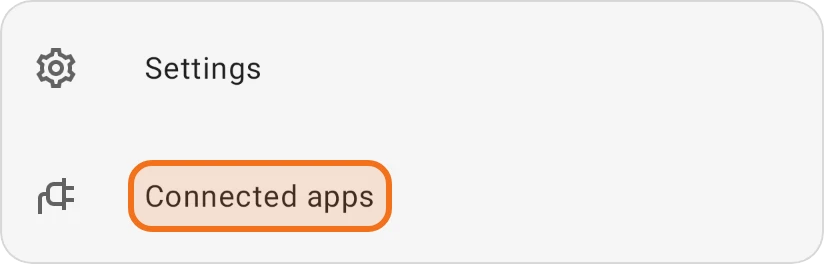
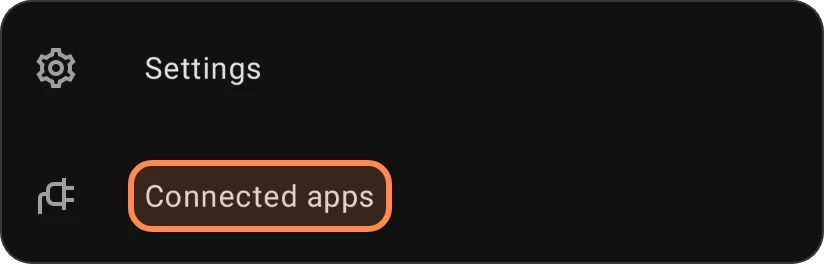
Go to More › Connected apps.
-
Under Connect Claude or ChatGPT, tap Server address (or the copy icon next to it). The app copies it: "Address copied, ready to paste".
How to connect Claude and How to connect ChatGPT, under the address, show the same steps as the sections below.
Connect Claude
- In Claude, open Settings › Connectors.
- Choose Add custom connector.
- Paste the server address and add it.
- Claude opens a Beyond Budget page: sign in and tap Allow.
Connect ChatGPT
Adding your own connector depends on your ChatGPT plan. On some plans, you first turn on developer mode in ChatGPT's settings. If you can't find the option to add your own connector, your plan doesn't include it yet.
- In ChatGPT on the web, open Settings and find Connectors.
- Create a connector named Beyond Budget.
- Paste the server address and save it.
- ChatGPT opens a Beyond Budget page: sign in and tap Allow.
Sign in and allow
The page Claude or ChatGPT opens is Beyond Budget's own. Nothing is shared until you allow it.
-
Sign in with your Beyond Budget account (Apple, Google or email).
-
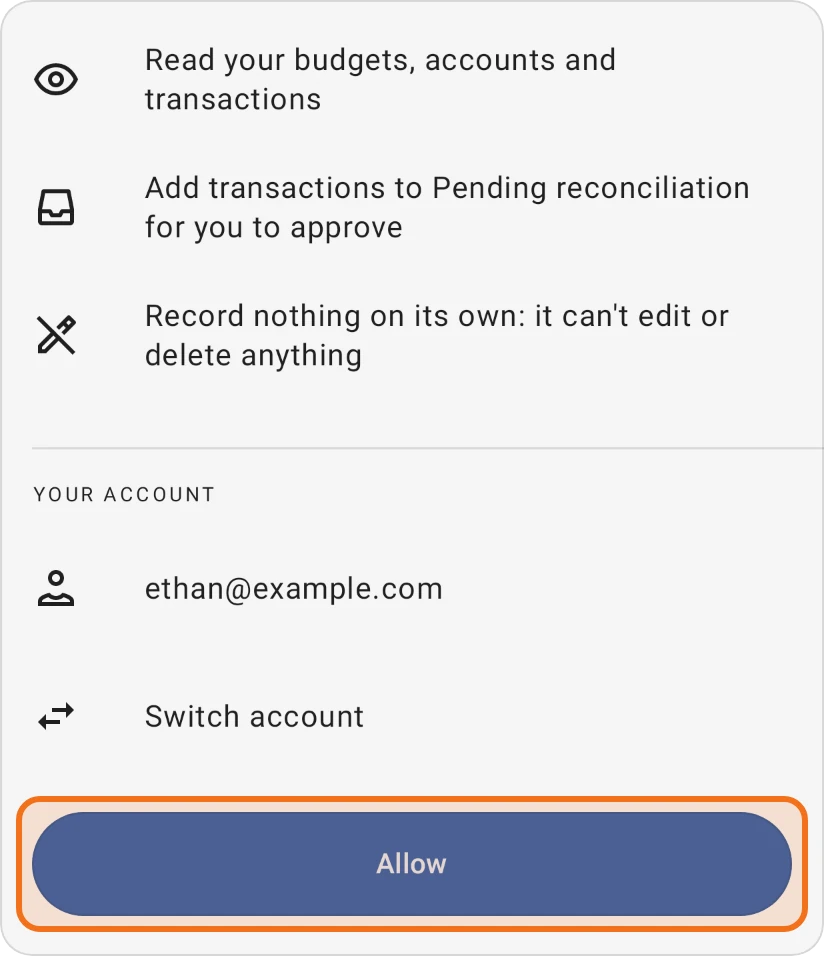
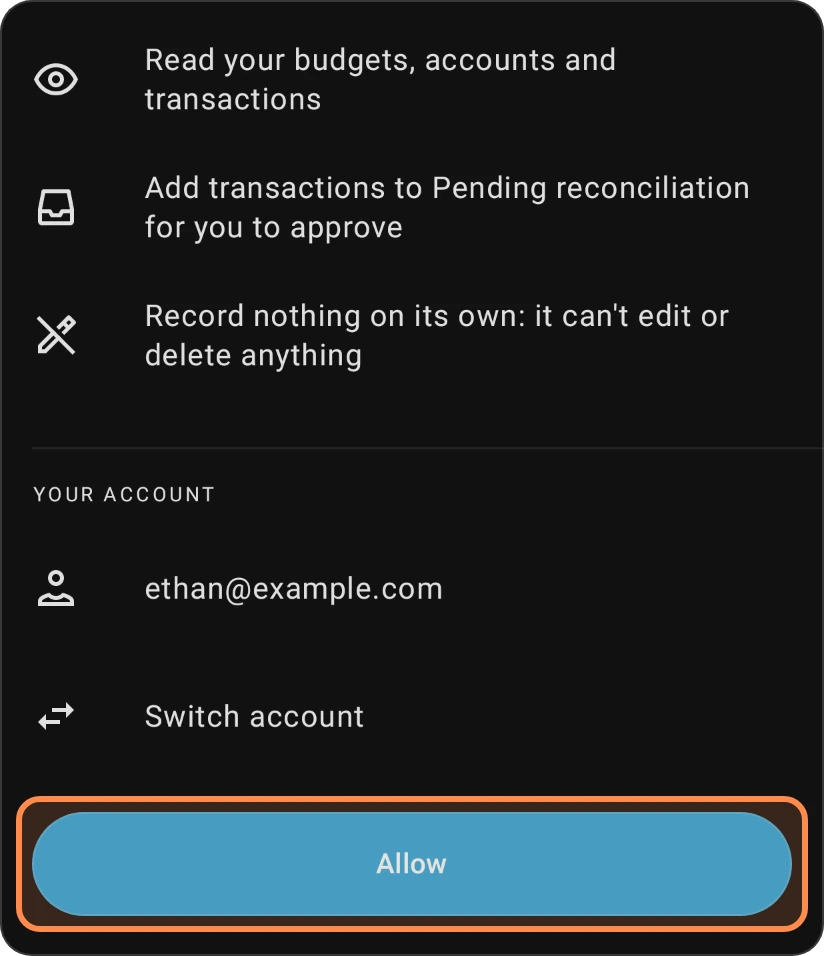
Check the page before you allow it. It says what is asking, for example "Claude wants to read your Beyond Budget data and add transactions for you to approve", and lists:
- Who's asking: Verified app for Claude and ChatGPT. An app that named itself shows "Unverified: this app chose its own name"; only allow it if you added it yourself. Below, "You'll go back to …" names the site you return to.
- What it can do: "Read your budgets, accounts and transactions", and when the app asks to add transactions, "Add transactions to Pending reconciliation for you to approve" and "Record nothing on its own: it can't edit or delete anything".
- Your account: the account you signed in with, and Switch account if it's the wrong one.
-
Tap Allow. If your account has a passcode, the page asks for it first. To say no, tap Deny: you go back without connecting.
You're taken back to Claude or ChatGPT, and the connection shows in More › Connected apps.
What you can ask
Ask in your own words, in the assistant's chat. It reads your budgets the way the app shows them:
- Your budgets: which budgets you can read, and which one is selected in the app.
- Budget status: each category's allocated, spent and available amounts for a month, overspent categories and targets. "Available" is what's left to spend.
- Spending: what you spent each month, by category and group, and how it changed (the last 12 months).
- Transactions: completed transactions by payee or category, up to 3 months at a time.
- Accounts: each account's balance, and each credit card's limit and what's left on it.
- Upcoming payments: scheduled bills, income and transfers for up to 45 days ahead.
- Cash flow: money in against money out, month by month.
- Affordability: what's available in a category and an account for an amount you have in mind.
It can also add expenses or income you tell it about, or every row of a receipt or bank statement you share with it (it adds up to 50 rows at a time, so a long statement goes in a few batches). It can't add transfers. A row with the same day, amount and payee as a transaction you already have, or another pending entry, is still added but marked as a possible duplicate. Adding needs you to be the budget's owner or an editor.
Charts are drawn by the assistant itself from the numbers it reads, so how they look depends on Claude or ChatGPT.
An example conversation
An example: what it looks like depends on Claude or ChatGPT.
I spent 12.50 at the taco truck and 46.20 at the grocery store today.
Read your accounts, budget status and payees in Beyond Budget
Added 2 transactions to Pending reconciliation
I've added both to your pending list in Beyond Budget, paid from your Checking account:
- Taco truck, $12.50, in Dining out
- Grocery store, $46.20, in Groceries
The grocery store one has the same day, amount and payee as a transaction you already have, so it's marked as a possible duplicate. Nothing is booked yet: open Pending reconciliation in the app to approve them.
October statement.pdf
Add these to my budget.
Read your accounts, payees and budget status in Beyond Budget
Added 23 transactions to Pending reconciliation
I read 24 transactions on your October statement and added 23 of them to your pending list, with the payees and categories that match your budget.
- 2 are marked as possible duplicates: they have the same day, amount and payee as transactions you already have.
- I left out the $300.00 transfer to High-yield savings: I can't add transfers, so enter that one in the app.
Nothing is booked yet: approve them in Pending reconciliation.
Show my spending by category this month as a chart.
Read your spending in Beyond Budget
Here's what you've spent in October so far, $2,384.10 in total:
Rent is most of it. Groceries are next, at $412.30.
How much is left in Groceries?
Read your budget status in Beyond Budget
You have $187.70 available in Groceries this month: $600.00 allocated and $412.30 spent.
Approve what it adds
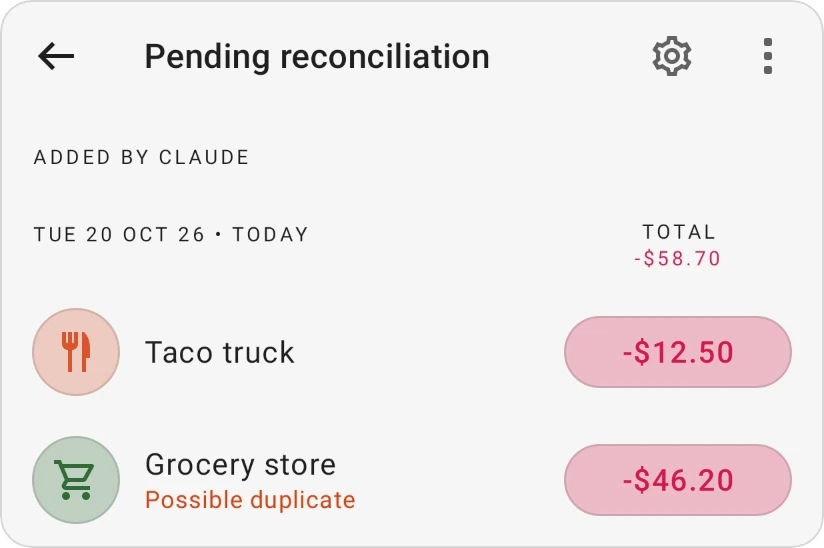
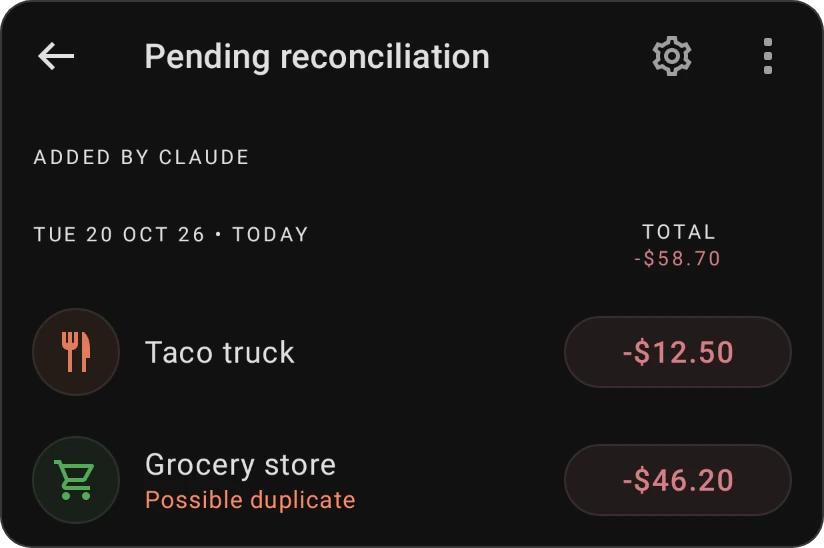
What Claude or ChatGPT adds is never booked straight away. It waits in Pending reconciliation, under Added by Claude or Added by ChatGPT (entries from any other AI app are under From other AI apps).
-
When something is waiting, the Budget health check on the Budget tab shows how many transactions there are to reconcile. Tap it to open Pending reconciliation.
-
Find the entries under Added by Claude or Added by ChatGPT. An entry with the same day, amount and payee as a transaction you already have, or as another pending entry, is marked Possible duplicate.
-
Tap an entry to check it, pick its account and category if the assistant couldn't, then tap the checkmark at the top to add it to your budget. To throw one away, swipe it to the left to delete it.
See Reconcile imported transactions for the reconciliation screen in more detail.
Manage connected apps
More › Connected apps lists every app you allowed under Apps with access: when you connected it (Connected:), when it was last used (Last used:) and, if it may add transactions, "Can add transactions for you to approve".
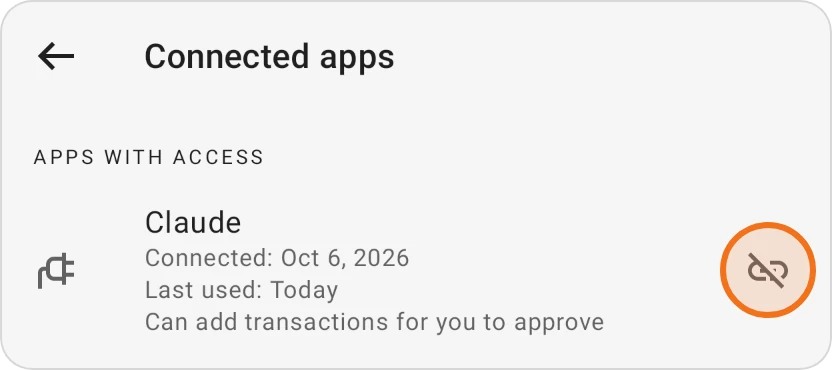
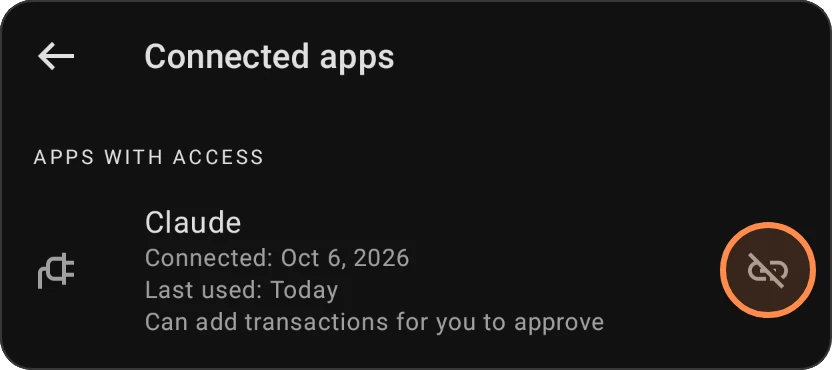
To disconnect an app, tap the disconnect icon on its row, then Disconnect. It stops reading your budgets, and adding transactions, right away. Your budgets stay as they are, and you can connect it again anytime.
If your Pro subscription ends, your connected apps can't read your budgets until you're on Pro again.
Privacy and your data
- A connected app reads your budgets only through what's listed under What you can ask: your budgets, accounts, categories, payees and transactions, as the app shows them.
- What it reads goes to Claude or ChatGPT, so their own privacy terms apply to it too. See also our privacy policy.
- It can't edit or delete anything in Beyond Budget. What it adds waits for your approval.
- Disconnecting in More › Connected apps stops its access right away.